 DarkGPT
Why use an AI translator instead of word-for-word tools
Because a language model understands the whole text, its tone and its purpose, and you can give it instructions.
A classic machine translator translates sentences. A language model knows that an email to a client doesn’t sound like a message to a friend, that an idiom has to be adapted, and that a technical term must stay the same from start to finish.
Best of all, you can talk to it: “more formal”, “keep the pun”, “adapt it for a Canadian audience”.
“Translate this mobster dialogue into French, with every insult, same level of violence.”
DarkGPT · Mistral Medium · Unfiltered mode« Tu crois que j’ai oublié ? J’oublie jamais, espèce de… » The translation keeps the register, the slang and every insult, adapted to French.
Which AI translator model for which text
For everyday text, a free model like Mistral 14B is enough. For marketing or literary text, go with Claude Sonnet 4.6.
On DarkGPT, you choose from 42 models, five of them free:
| What you’re translating | Recommended model | Gems / message | Available from |
|---|---|---|---|
| Short sentence, word, expression | Mistral 3B | 5 | Free |
| Everyday message or email | Qwen 3 235B | 15 | Free |
| Standard text, user manual | Mistral 14B | 30 | Free |
| Multilingual text, several languages at once | Qwen 3 32B | 60 | Basic |
| Fluent writing, articles | MiniMax M3 | 120 | Basic |
| Long report, contract, thesis | Gemini 2.5 Pro | 180 | Basic |
| Marketing, fiction, carefully crafted tone | Claude Sonnet 4.6 | 550 | Gold |
Simple rule: start with Mistral 14B or Qwen 3 235B. If the result sounds “translated”, run it through a stronger model. More on each family: Mistral AI, Gemini and Claude.
How to translate with AI: the 4 things to specify
An AI translation is good when you specify the exact language, the audience, the context and the constraints.
- The exact languageNot just “English”, but US or UK English; French from France, Belgium or Quebec; Spanish from Spain or Latin America.
- Audience and registerClient, coworker, friend, child. Formal or casual, polite or familiar forms of address.
- ContextWhat the text is for (product page, résumé, subtitles, private message) and where it will be read.
- ConstraintsTerms not to translate, glossary, maximum length, formatting to keep.
With these four elements, even a small free model produces a much more natural translation.
Example translation prompts
A good translation prompt states the language variant, the tone and what must not change. Six examples to copy:
- “Translate this email into French from France, professional but warm. The recipient is a client I’ve never met. Keep the formatting.”
- “Translate this product page into Spanish from Spain. Don’t translate the brand name or the product codes. 80 words max.”
- “Here’s a joke in English. Adapt it into German so it stays funny, even if you have to change the wordplay, then explain your choice.”
- “Translate these subtitles into Italian. Each line must be 42 characters max. Keep the numbers and timecodes as they are.”
- “Here’s my glossary: ‘onboarding’ stays in English, ‘quote’ becomes ‘devis’. Translate the following text into French and stick to this glossary.”
- “Translate this text, then review your translation and flag the ambiguous passages where you had to make a call.”
The last prompt is the most useful: it shows you exactly where to proofread. More techniques in our AI prompt guide.
Translation vs localization
Translating means moving a text from one language to another. Localizing means adapting it to a country: currency, units, cultural references, level of politeness.
A product page that talks about “Black Friday deals” and prices in dollars shouldn’t stay as is for a French audience. AI is very good at this, as long as you ask for it explicitly.
Example prompt: “Localize this sales page for the French market. Convert prices to euros and round them, replace US references with French equivalents, switch measurements to metric, and list every adaptation at the end.”
That final list matters: it lets you approve each change instead of discovering after launch that an example vanished. For a whole website, keep a reference document (tone, glossary, adaptation choices) and paste it at the start of every conversation.
Translating documents and images
Yes, AI translates whole documents and the text inside images too, as long as you use the right tool.
Documents
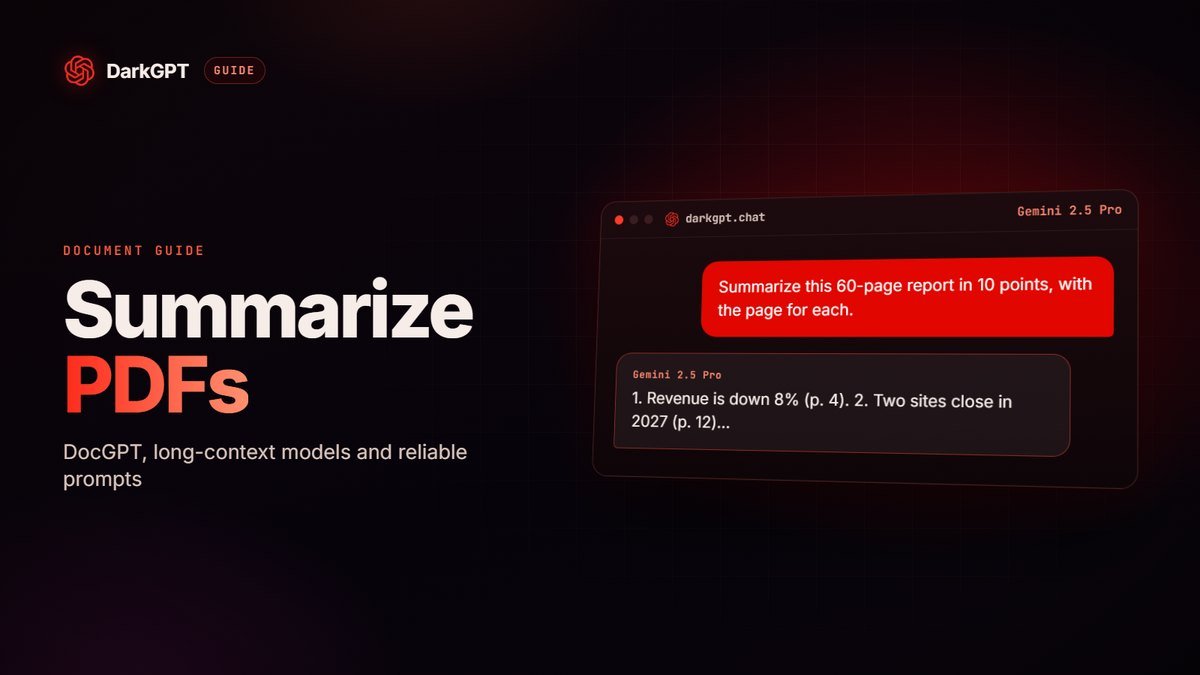
For a full document, DocGPT (250 gems, from Basic) edits, summarizes and rewrites your files directly; it’s covered in our DreamGPT and DocGPT guide. For a very long text pasted into the chat, Gemini 2.5 Pro keeps track well. Tip: split by chapter and repeat the glossary for each part so terms stay consistent.
If you mainly need to understand a foreign document, a full translation may be overkill: ask for a summary in your language instead. See our AI PDF summarizer guide.
Images
A menu, a sign, a screenshot: vision models like Gemini 2.5 Flash (80 gems) or GLM 4.5V (90 gems) read the text in an image and translate it. On DarkGPT, vision and file analysis are included from the Gold plan (€51.99/month).
Bulk translation with an AI translator API
For large volumes, the API is cheap: about €0.60 for 75,000 words with Mistral 14B, based on the estimate below.
Product catalog, article library, app interface: the DarkGPT API is a better fit than the chat. You pay per token, with credit from €10. Estimate for 100,000 input tokens and 100,000 output tokens, roughly 75,000 translated words:
| API model | Input / 1,000 tokens | Output / 1,000 tokens | Estimated cost |
|---|---|---|---|
| Mistral 14B | €0.00150 | €0.00450 | ≈ €0.60 |
| DeepSeek V4 Flash | €0.00281 | €0.00844 | ≈ €1.13 |
| Gemini 3.5 | €0.00750 | €0.02250 | ≈ €3.00 |
| Claude 4.6 Sonnet | €0.01688 | €0.05250 | ≈ €6.94 |
A rough estimate: token counts vary with the language and the text.
For a serious project, put the glossary and tone instructions in the system message, translate in coherent chunks (one article, one product page) and ask for structured output (JSON) that keeps the original keys. A good setup: Mistral 14B for the bulk, Claude 4.6 Sonnet for the pages that matter. You buy credit from the shop and the docs are at darkgpt.chat/api.
Translating without the AI sanitizing your text
The hidden flaw of mainstream AI translators: they smooth things out. Insults turn polite, slang turns neutral, a violent scene loses its punch. For a novel, subtitles or a game, that betrays the text.
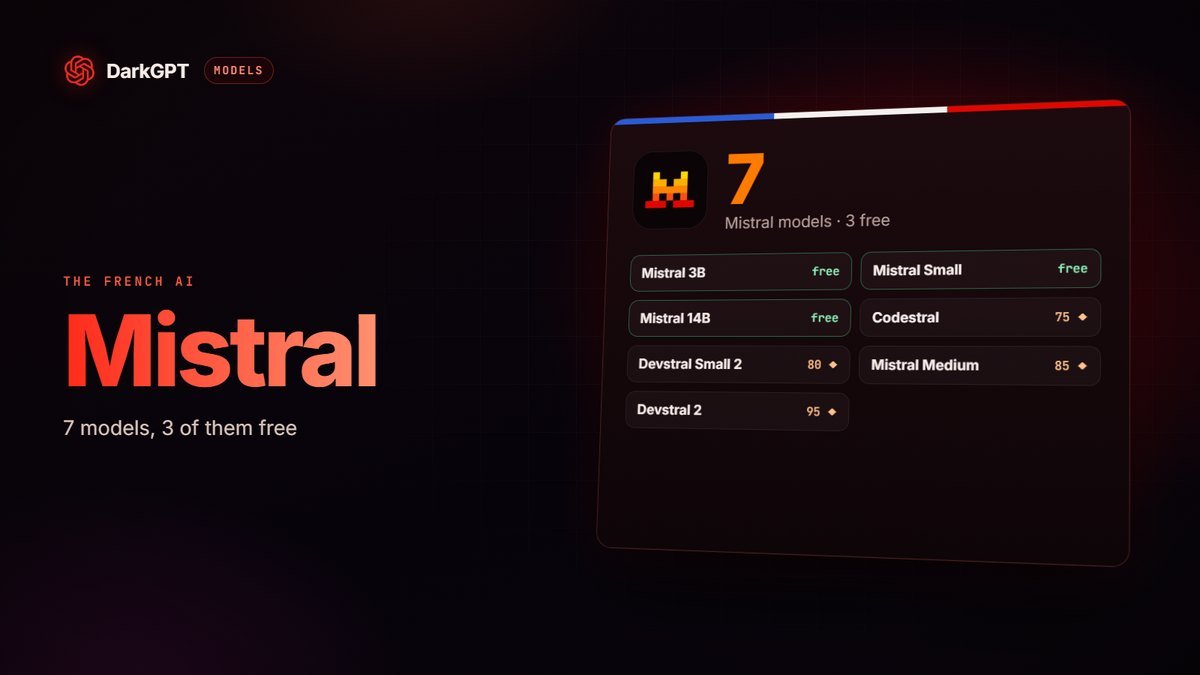
On DarkGPT, the Unfiltered mode models translate at the same register: Mistral Medium and Mistral 14B for French, Qwen 3 235B for multilingual work, Grok 4.2 for American slang. Say “keep the tone and the insults”, and they do.
Adults 18+ only; illegal use remains banned.
AI translation pitfalls
Pitfall number one is publishing without proofreading. The others are just as avoidable:
- Publishing without proofreading: an AI can drop a sentence, add one or trip on a false friend. Always proofread, ideally with someone who speaks the target language.
- Numbers, dates and units: check the formats (decimal comma or point, day/month or month/day, currencies).
- Official documents: contracts, certificates, diplomas, administrative files. AI helps you understand them, but a translation with legal standing often requires a certified translator.
- Confidential data: remove names, numbers and personal information about others before pasting a text.
- Terms that drift: without a glossary, the same word can be translated three different ways in a long document.
To write directly in another language instead of translating, read our AI for writing guide.
Frequently asked questions
What is the best AI translator?
For everyday text, Mistral 14B or Qwen 3 235B (both free) are enough. For long documents, Gemini 2.5 Pro. For marketing or literary text, Claude Sonnet 4.6, from Gold.
Can AI translate insults and slang?
Yes with DarkGPT’s Unfiltered mode models: they keep the register, the slang and the insults instead of smoothing the text.
Can I translate with AI for free?
Yes: on DarkGPT, Mistral 3B, Mistral 14B and Qwen 3 235B are among the 5 free models, with 50 gems at signup then 50 every week.
Can AI translate a photo or a document?
Yes. Vision models (Gemini, GLM 4.5V) read the text in an image, from the Gold plan. DocGPT reworks a whole document, from Basic.
How much does bulk translation cost with the API?
About €0.60 with Mistral 14B for 100,000 input and 100,000 output tokens, roughly 75,000 words. API credit starts at €10.
Can I trust an AI translation for an official document?
To understand it, yes. For a document with legal value, have a professional review it: an official translation often requires a certified translator.