 DarkGPT
Three ways to summarize a PDF with AI
On DarkGPT, you can use DocGPT (from Basic), paste the text into a long-context model (from Basic) or use file analysis with a vision model (from Gold).
| Method | Tool | Gems | Plan | Best for |
|---|---|---|---|---|
| Document tool | DocGPT | 250 | Basic | Summarizing, rewriting or editing a document directly |
| Text pasted into a long-context model | Gemini 2.5 Pro, Llama 4 Scout, MiniMax 2.7 | 70 to 180 | Basic | Lots of questions about a long text |
| File analysis and vision | Gemini 2.5, GLM 4.5V, Llama 4 Maverick… | 80 to 180 | Gold | PDFs with charts, tables, scans |
DocGPT is DarkGPT’s dedicated document tool: it edits, summarizes and rewrites your files directly. Vision and file analysis, included from Gold, let a compatible model read images, diagrams and scanned pages.
On Basic, the quickest route is often the simplest: open the PDF, select all the text, and paste it into Gemini 2.5 Pro or Llama 4 Scout with your instruction on top.
“Summarize this 400-page noir novel, including the most violent scenes.”
DarkGPT · Gemini 2.5 Pro · Unfiltered modeChapter-by-chapter summary, key scenes included, with the themes and the killer’s arc. Nothing is cut.
The best models for long documents
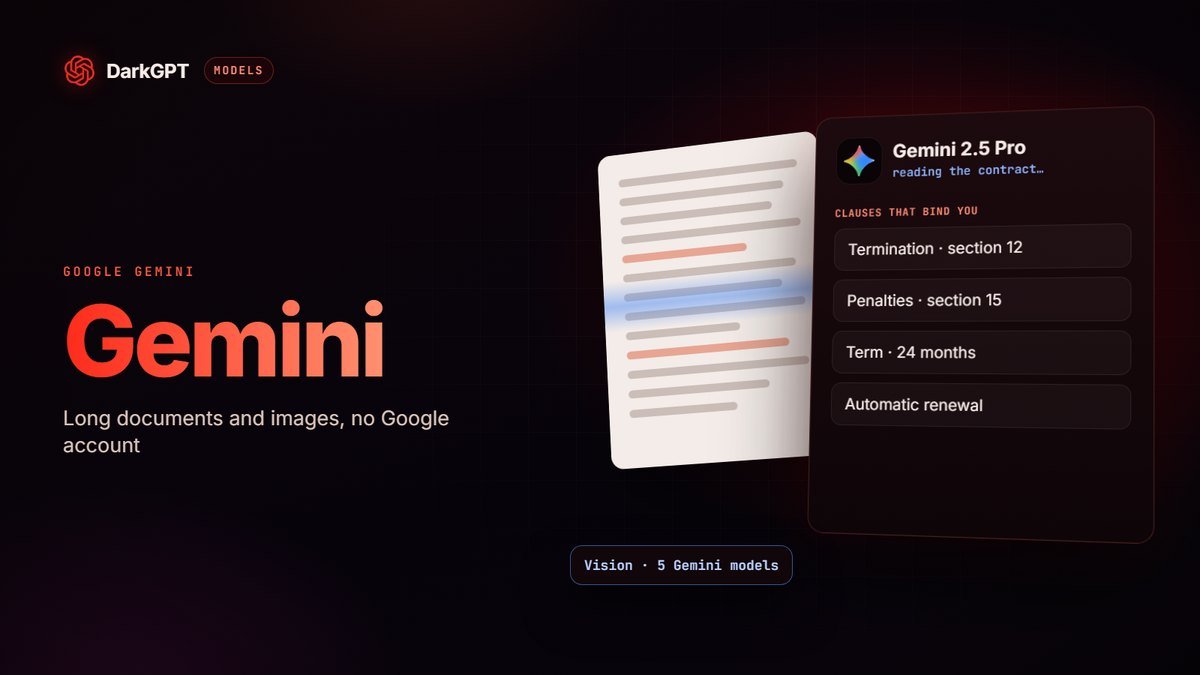
Gemini 2.5 Pro is the strongest on long documents; Llama 4 Scout and MiniMax 2.7 do the job for half the gems or less.
| Model | Gems | Vision | Strength |
|---|---|---|---|
| Gemini 2.5 Pro | 180 | Yes | Structured summaries of very long texts |
| Llama 4 Scout | 90 | No | A huge context window |
| MiniMax 2.7 | 70 | No | Long context and fluent answers, very cheap |
| MiniMax M3 | 120 | No | Summaries that read really well |
| Gemini 2.5 | 120 | Yes | Text, images and documents in one conversation |
| Llama 4 Maverick | 110 | Yes | Multimodal and versatile |
In practice:
- A clean summary with zero effort: DocGPT.
- Many questions about the same text: a long-context model, cheaper per question. Gemini 2.5 Pro when precision matters, MiniMax 2.7 when budget matters.
- A PDF full of charts, or a scan: file analysis with a vision model, from Gold.
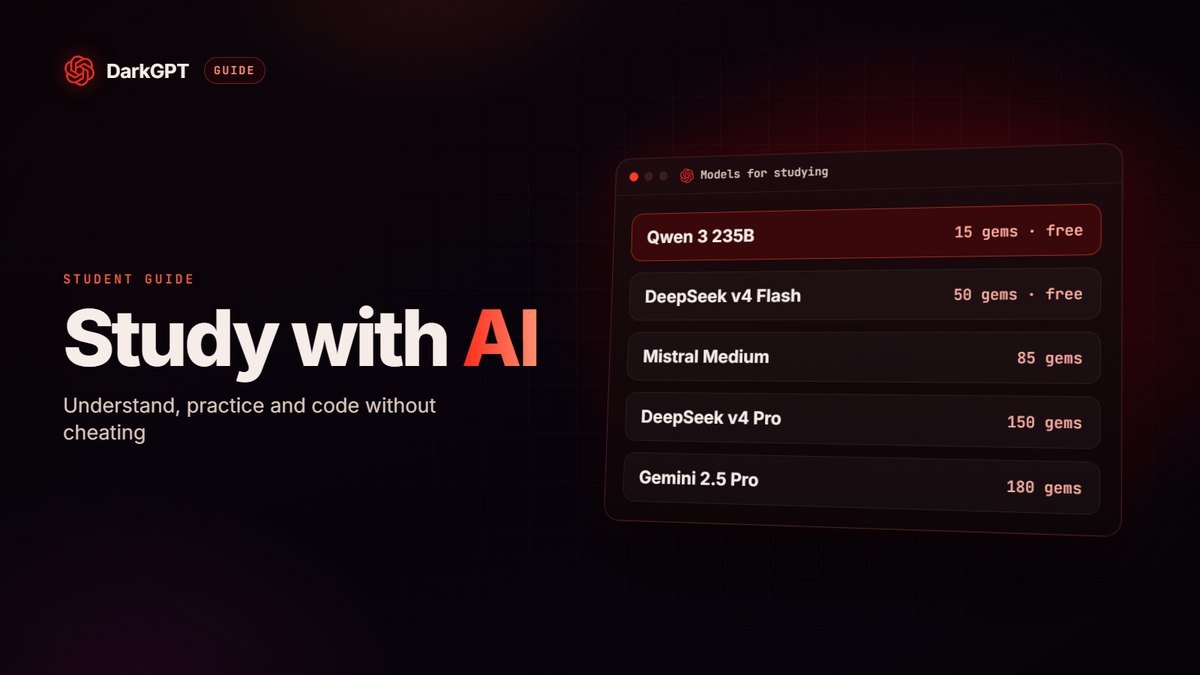
- A short excerpt: a free model like Qwen 3 235B is enough.
For everything about Gemini, read our Gemini 2.5 Pro guide; every price is in the model catalog.
How many summaries per day
| Plan | Gems / day | DocGPT | Gemini 2.5 Pro | Llama 4 Scout |
|---|---|---|---|---|
| Basic (€21.99/month) | 650 | 2 | 3 | 7 |
| Gold (€51.99/month) | 3,000 | 12 | 16 | 33 |
| Platinum (€89.99/month) | 6,000 | 24 | 33 | 66 |
These are maximums if all your daily gems go to one tool; each follow-up question counts as a message. Details on the pricing page.
Using an AI PDF summarizer: the reliable method
State what the summary is for, set a format and require page references: that’s what makes the result checkable.
- Say what the summary is for“to decide whether I sign”, “to study for an exam”, “to brief my boss in 2 minutes”.
- Put the instruction before the documentThe request first, then the text. For a very long PDF, repeat the instruction at the end.
- Set a format10 bullet points, a table, one page, one summary per section.
- Ask for references“for each point, give the section or page it comes from”.
- Ask follow-up questionsOnce you have the summary, query the document about what really matters to you.
- Check the numbersEvery important amount, date or percentage must be found in the original PDF.
Ready-to-copy prompts
Four families of prompts cover most needs: summary, key points, questions and answers, and comparison.
Summary
- “Summarize this report on one page for a busy executive: context, 5 conclusions, 3 recommendations, key figures in a table.”
- “Write a 5-line summary per chapter, then a 10-line overall summary.”
Key points
- “List the 10 most important pieces of information in this document, ranked by importance, with the page for each.”
- “Extract every figure, date and amount into a table: value, context, page.”
Questions and answers
- “Answer only from the document. If the information isn’t there, say so clearly. Question: what are the termination terms?”
- “What questions would a lawyer ask when reading this contract? Answer each one from the text.”
Study and compare
- “Turn this chapter into a study sheet and 15 review questions.” (see our guide on AI for students)
- “Compare these two versions of the contract and list every difference, clause by clause.”
Example: a 40-page contract
Three messages and 610 gems are enough to understand a contract before signing, which fits in one day of the Basic plan.
| Step | Tool | Gems |
|---|---|---|
| One-page summary: purpose, term, price, each party’s obligations | DocGPT | 250 |
| “List the clauses that bind or penalize me, with their numbers” | Gemini 2.5 Pro | 180 |
| “What should I ask the provider before signing?” | Gemini 2.5 Pro | 180 |
| Total | 610 |
You then go to the other party, or to your lawyer if the stakes are high, with the right questions and the clause numbers at hand.
Very long documents
For several hundred pages, split the work: quality often drops when the text is huge, even with a long-context model.
- Summarize part by part: each chapter separately, with a cheap model like MiniMax 2.7 or Llama 4 Scout.
- Then combine: paste all the chapter summaries into Gemini 2.5 Pro and ask for the overall synthesis.
- Cut the extras: appendices, table of contents, repeated boilerplate. Less text means a sharper summary and fewer gems.
- Keep a glossary: note the key terms and names from early chapters and paste them with each part, so every summary uses the same vocabulary.
Privacy: what not to upload
Don’t send any AI, whichever one it is, a document whose leak would cause you trouble; anonymize everything else.
- ID documents, bank statements, payslips, tax documents;
- medical records;
- customer, patient or employee data;
- documents under an NDA or marked confidential by your company.
If you must work on a document like this, anonymize it first: replace names, addresses, numbers and sensitive amounts with [X]. The summary stays useful and nothing personal travels. A question about your account? Support usually replies within a few hours, 24 h max.
The PDFs other AIs refuse to summarize
Autopsy report, police statement, very dark novel, war testimony, medical file: many AIs refuse or cut the hard passages. Your summary ends up incomplete, or wrong.
On DarkGPT, Gemini 2.5 Pro, Llama 4 Scout and DeepSeek v4 Pro, in Unfiltered mode, summarize the whole document, hard passages included. You keep the page references to check.
Adults 18+ only; illegal use remains banned.
Limits to keep in mind
An AI summary is an excellent starting point, not a source of truth: check what matters.
- Made-up details: a model can fill a gap with plausible but false information. Require page references.
- Scanned PDFs: a scanned page is an image. Without file analysis and vision (from Gold), the model can’t read it.
- Complex tables: copy-paste often breaks columns. Check the figures or use a vision model.
- Legal or medical nuance: a summary helps you understand, it doesn’t replace a professional’s advice.
- Omissions: a summary always leaves things out. If a point matters, ask about it directly.
- Outdated documents: the AI summarizes what is written, it can’t tell you whether the figures are still current.
Frequently asked questions
How do I summarize a PDF with AI?
On DarkGPT, use DocGPT (250 gems, from Basic) or paste the text into a long-context model like Gemini 2.5 Pro. State what the summary is for, the format you want, and ask for page references.
Can AI summarize a violent or sensitive document?
Yes: on DarkGPT, the Unfiltered mode models summarize hard documents (case files, noir novels, reports) without cutting sensitive passages.
Which AI PDF summarizer works for very long documents?
Gemini 2.5 Pro (180 gems) is the strongest on long documents. Llama 4 Scout (90 gems) and MiniMax 2.7 (70 gems) are cheaper. For a huge document, summarize chapter by chapter, then combine.
Can AI summarize a scanned PDF?
Yes, with file analysis and a vision model (Gemini, GLM 4.5V, Llama 4 Maverick), included from the Gold plan. Double-check any figures read from the scan.
Is it risky to upload a PDF to an AI?
Avoid uploading sensitive documents: ID, bank, medical or customer data, confidential files. Anonymize names and numbers before sending.
Can I summarize a PDF for free?
On the free plan, you can paste a short excerpt into Qwen 3 235B or Mistral 14B. DocGPT and the long-context models require the Basic plan.