 DarkGPT
The three DreamGPT tools
| Tool | What it does | Gems | Plan |
|---|---|---|---|
| DreamGPT Image | Generates an image from a simple description | 100 | From Basic |
| DreamGPT Retouch | Edits an image (background, objects, style) with one sentence | 150 | From Basic |
| DreamGPT Video | Generates a video from text or an image | 400 | From Gold |
Writing a good prompt
- The subjectWhat you see (“a cyberpunk poster for a Discord server”).
- The stylePhotorealistic, illustration, 3D, neon, black and white…
- Mood and lightingDark, red, backlit, misty.
- FramingClose-up, wide shot, vertical format for a phone.
- Any textThe exact word in quotes, if it needs to appear.
Example: “Dark cyberpunk poster, rainy street lit by red neon, a figure seen from behind, vertical format, title ‘DARK NIGHT’ at the top”.
Prompts ready to adapt
| Need | Sample prompt |
|---|---|
| Discord server banner | “Horizontal banner, gothic castle on a hill, stormy purple sky, fantasy illustration style, lots of empty space on the left for a title” |
| Product shot | “Black perfume bottle on a wet stone, plain dark background, side studio lighting, crisp reflections, advertising photo style” |
| Avatar | “Portrait of a fox in armor, semi-realistic illustration style, plain red background, bust shot, centered” |
| Blog post visual | “Desk at night, glowing screen lighting up a keyboard, steaming mug, calm mood, blue light, photorealistic, wide shot” |
| Horror vibe | “Abandoned hospital corridor, flickering neon, mist on the floor, door ajar at the far end, grainy black and white” |
Tip: first ask a cheap text model, like Mistral Small / 12B (20 gems, free), to turn your idea into three detailed prompts. Pick the best one and spend the 100 gems on the image only once.
Editing a photo: phrasing it right
With DreamGPT Retouch, you upload your image and describe the change. One edit per request gets better results than a list of five changes at once.
- Change the background: “Replace the background with a dark brick wall, keep the subject intact.”
- Remove an object: “Remove the trash can on the right side of the image.”
- Change the style: “Turn this photo into a comic book illustration.”
- Change the mood: “Make it a night scene, lit by an orange streetlight.”
An efficient workflow: generate a base with DreamGPT Image, then fix the details with DreamGPT Retouch instead of regenerating everything.
Getting a video right
DreamGPT Video starts from text or an image. Since a video costs 400 gems, prepare it well:
- Start from an imagePick one you like (generated or your own), so the starting look is under control.
- Describe the motionNot just the scene: “the camera slowly moves down the corridor”, “the figure turns around”.
- One main actionSeveral events in a short clip often produce a messy result.
- Set the moodSlow, eerie, energetic, flickering light.
Full example: an animated visual for your server
Here is a typical workflow, with its cost in gems:
| Step | Tool | Gems |
|---|---|---|
| Turn your idea into three detailed prompts | Mistral Small / 12B | 20 |
| Generate two image options | DreamGPT Image | 200 |
| Fix a detail on the best one (background, object) | DreamGPT Retouch | 150 |
| Animate the image into a short clip | DreamGPT Video | 400 |
| Total | 770 |
Without the video, the workflow costs 370 gems and fits in a Basic subscriber’s daily allowance (650 gems). With the video, you need the Gold plan, whose 3,000 daily gems let you run it several times.
Which tool to pick
- Starting from scratch: DreamGPT Image.
- You already have a photo and want to change one element: DreamGPT Retouch, safer than regenerating everything.
- You want motion: DreamGPT Video, ideally from an image you have already approved.
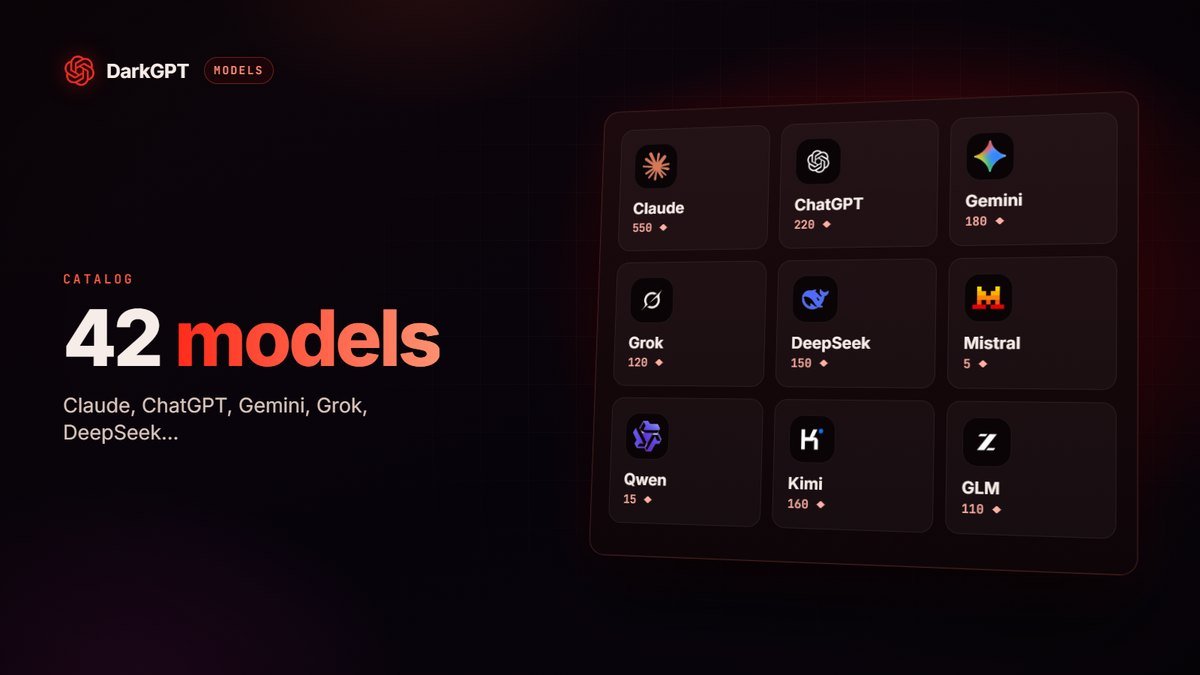
- You want to understand an image (read a screenshot, describe a diagram): that is not a DreamGPT tool but a vision model, like Gemini 2.5 Flash or GLM 4.5V. See the models page.
How many images per day on each plan
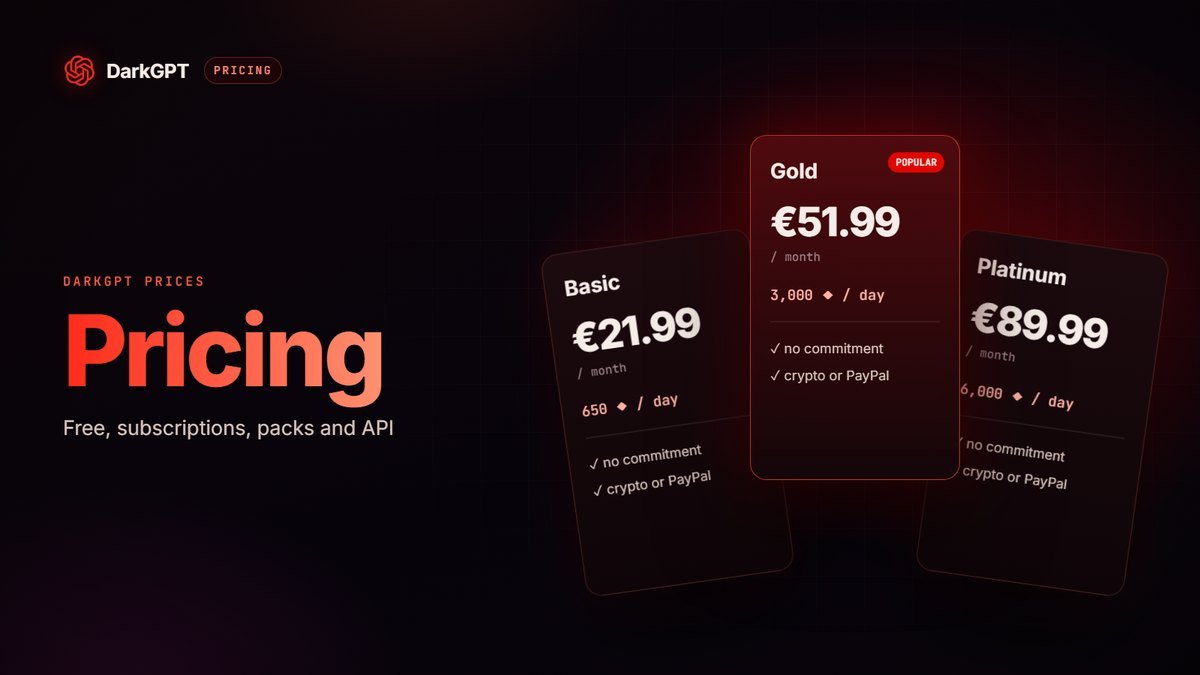
| Plan | Gems / day | Images (100) | Retouches (150) | Videos (400) |
|---|---|---|---|---|
| Basic (€21.99/month) | 650 | 6 | 4 | Not included |
| Gold (€51.99/month) | 3,000 | 30 | 20 | 7 |
| Platinum (€89.99/month) | 6,000 | 60 | 40 | 15 |
| Diamond (€189.99/month) | 15,000 | 150 | 100 | 37 |
Maximum figures if you spend all your daily gems on a single tool. In practice, you mix images, retouches and text messages. Every plan is on the pricing page.
Common mistakes
- A vague description: “a nice city image” leaves everything to chance. Subject, style, lighting, framing.
- Clashing styles: “photorealistic cartoon” muddles the result.
- Too many elements: beyond three or four key elements, some vanish or blend together.
- Long text in the image: keep it to one word or a short title, in quotes.
- Regenerating everything for one detail: use Retouch, it is faster and usually more accurate.
- Changing ten things between attempts: change one parameter at a time (lighting, then framing) to see what actually improves the result.
Don’t use a real person’s face or likeness without their consent, and respect the rights to the images you edit. Illegal content or content meant to harm others is prohibited by DarkGPT’s terms of use.
Ideas to try
- Visuals for your socials, your Discord server or your Telegram channel.
- Removing or swapping the background of a product photo.
- Turning a photo into a short clip (for example a 5-second horror clip).
- Mockups and illustrations for a project.
- Covers for an ebook, a playlist or a video.
And DocGPT for documents
DocGPT (250 gems, from Basic) edits, summarizes and rewrites your documents directly. Handy for rephrasing a contract, summarizing a PDF or rewriting a resume.
Frequently asked questions
Can I generate images for free?
No, DreamGPT Image requires a Basic plan or higher (100 gems per image).
Which plan do I need to generate videos?
DreamGPT Video is available from the Gold plan (400 gems per video).
Can I edit my own photos?
Yes, with DreamGPT Retouch: upload your photo and describe the change you want in one sentence.
How many images can I generate per day?
It depends on your gems: at 100 gems per image, up to 6 a day with Basic (650 gems), 30 with Gold (3,000 gems) and 60 with Platinum (6,000 gems).
How do I write a good image prompt?
Describe, in order, the subject, the style, the mood and lighting, the framing, then any text in quotes. Avoid clashing styles and overcrowded scenes.
Can I turn a photo into a video?
Yes, DreamGPT Video generates a video from text or an image, from the Gold plan, for 400 gems.