 DarkGPT
What is DarkGPT IDE?
An IDE (integrated development environment) is the software you write code in. DarkGPT IDE installs on your computer and connects to your DarkGPT account, so you get AI models that write, explain, fix and refactor your code right where you work. No more bouncing between a chat tab and your editor.
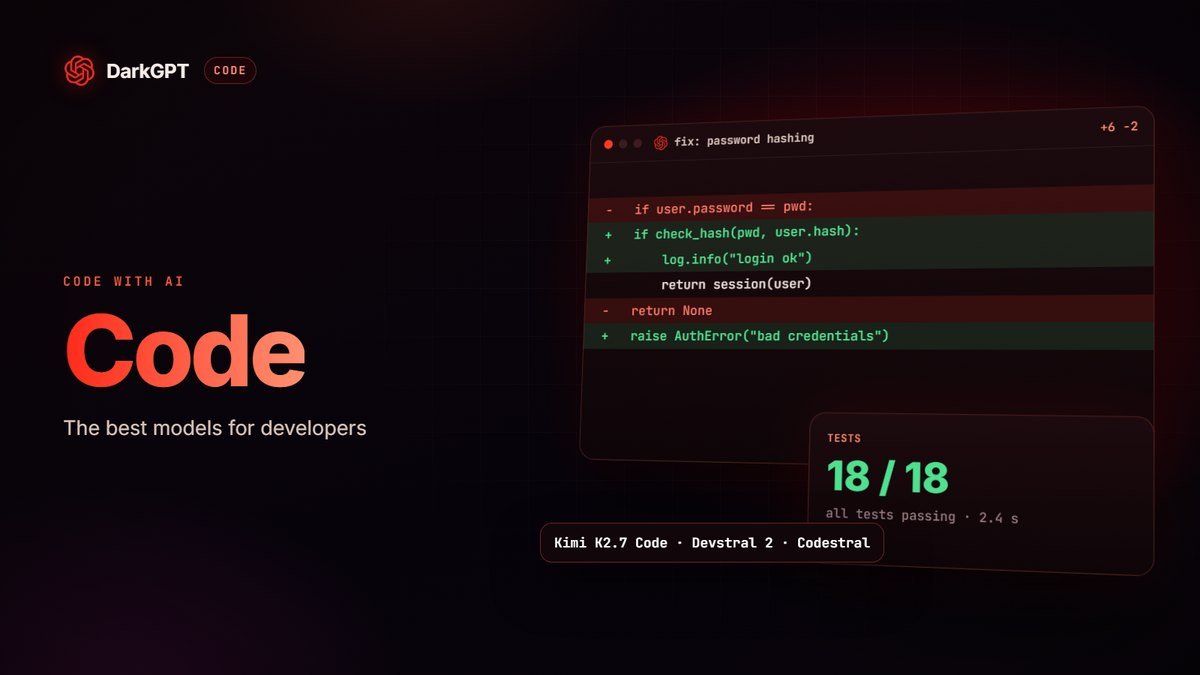
You get coding specialists like Kimi K2.7 Code, Devstral 2 and Codestral, plus the big general-purpose models (Claude, ChatGPT, Gemini, DeepSeek, Grok…). And like everywhere on DarkGPT, the AI just answers, with no sermon over a legitimate request.
> mainstream ai
? Rework my whole project, no moralizing.
✕ This request may violate our usage policies.

> darkgpt --model "Kimi K2.7 Code" --unfiltered
? Rework my whole project, no moralizing.
✓ On it. Opening your project now.
An agent that codes directly on your computer
The big difference from a chat is that the IDE has access to your project files, on your machine. No more copy-pasting code between a conversation and your editor: you describe what you want, the agent reads the relevant files, writes the changes and shows you what it changed. Same idea as tools like Claude Code or Codex.
- It works inside your project: it finds the right file, understands the structure and edits the code exactly where it needs to.
- You pick the model: Kimi K2.7 Code, Devstral 2, Codestral, Claude, DeepSeek, Gemini or Grok, depending on the task and your budget.
- You pay per token with your API & IDE credit, no subscription required.
- You stay in control from your phone with Mobile Control.
Key point: the IDE doesn’t use your subscription gems. It’s billed per token from your API & IDE credit, which you can top up from €10.
Install and connect the IDE in 4 steps
- Install the IDEDownload DarkGPT IDE to your computer from the IDE Panel page on darkgpt.chat.
- Connect your accountWhen it launches, click “Connect with DarkGPT”.
- Authorize the connectionYour browser opens darkgpt.chat, approve the access.
- Head back to the IDEYou’re signed in with your account. All you need now is some API & IDE credit.
From the IDE Panel, you can see your open IDE sessions and disconnect them at any time (handy if you used another computer).
How much does the IDE cost?
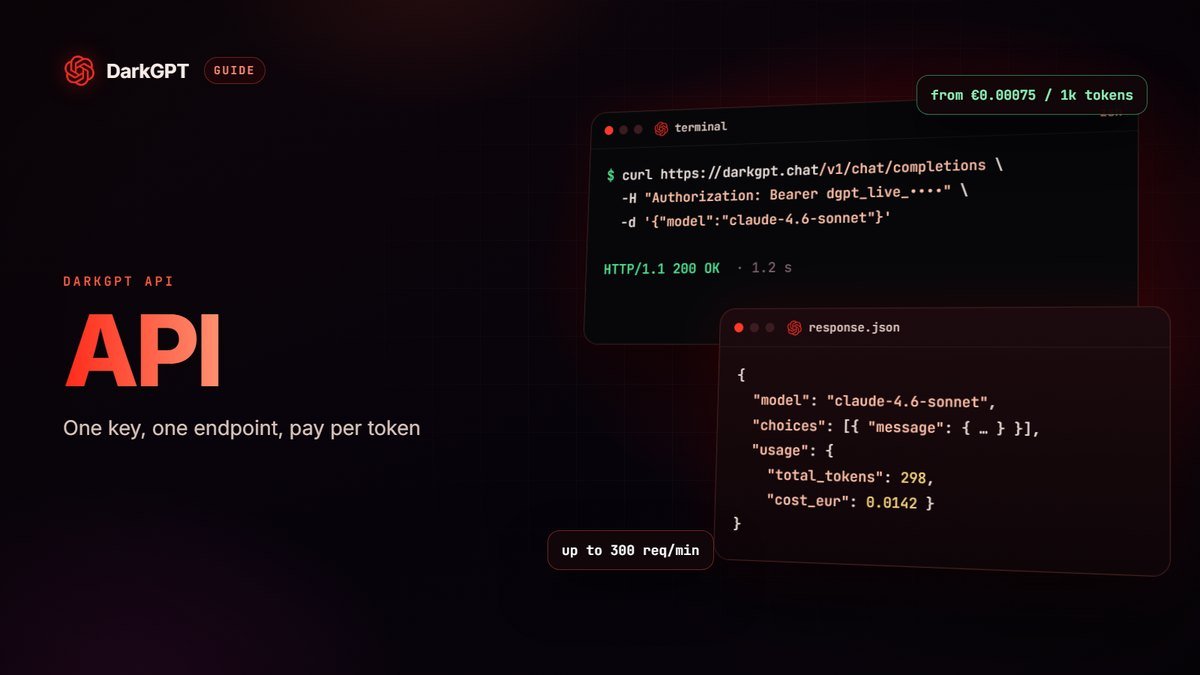
The IDE is billed per token, at the same price as the DarkGPT API. A token is a small chunk of text: on average, 1,000 tokens is about 750 words. You pay for what you send (your code, your question) and for what the AI sends back.
- Prices start at €0.00075 per 1,000 input tokens with Mistral 3B.
- For Claude 4.6 Sonnet, expect €0.01688 per 1,000 input tokens and €0.05250 per 1,000 output tokens.
- Full pricing is on the API page and at darkgpt.chat/api.
Top up your credit
- Buy creditGrab the API & IDE Credit product on the official shop, any amount from €10 (€1 of credit = €1 of usage).
- PayWith crypto or PayPal.
- Tell supportSend your order number and your account email to support on Telegram, on Discord or by ticket on the site. Credit is usually added within a few hours (24 h max).
Control the IDE from your phone
Mobile Control lets you follow and drive the IDE running on your computer from your phone: start a task, check its progress, relaunch it, without sitting in front of the screen.
- Open the IDE on your computerSigned in to your account.
- Show the PIN codeIn the bottom bar, click “Mobile”.
- Enter the PIN on your phoneOpen DarkGPT → Apps → IDE Panel → Mobile Control.
Keep the IDE open on your computer while you use it from your phone. You can revoke the phone’s access from your computer whenever you want.
Which model should you code with?
| What you need | Recommended models | Why |
|---|---|---|
| Everyday code writing and fixing | Kimi K2.7 Code, Devstral 2, Codestral | Coding specialists, great value |
| Nasty bugs, architecture, refactoring | Claude Sonnet 4.6, DeepSeek v4 Pro | Solid reasoning on large projects |
| Small repetitive tasks | Mistral 3B, Mistral 14B, DeepSeek v4 Flash | Very cheap and fast |
| Reading a screenshot or a diagram | Gemini 2.5 Pro, GLM 4.5V | Vision-capable models |
The rule that keeps your bill low: start with a fast model and only switch to a high-end one when you actually need it.
A coding agent that doesn’t treat you like a suspect
With many coding assistants, one wrong word in your request is enough to trigger a refusal or a paragraph of warnings. On your own project, that makes no sense: it’s your code, your machine, your files.
DarkGPT IDE starts from the opposite assumption: you’re an adult who knows what you’re doing. You ask, the agent reads the project and gets to work. No sermon, no “are you sure?” at every step, no truncated answer because a variable name looks odd.
- For the heavy lifting: Kimi K2.7 Code, Devstral or Codestral, Unfiltered mode models built for code.
- For hard logic: DeepSeek v4 Pro, with Thinking mode when needed.
The service is for adults 18+, and illegal use remains banned by the terms.
Best practices for coding with AI
- Give the useful context, not the whole project: the relevant file, the exact error, what you expect. Fewer tokens, better answer.
- Ask for steps: “propose a plan, then the code” works better than a vague request.
- Review and test: the AI is fast, but you decide what ships to production.
- Never paste secrets (passwords, production API keys) into a conversation.
Frequently asked questions
Is DarkGPT IDE like Claude Code or Codex?
Same idea: an agent that codes directly on your computer, with access to your project files. With DarkGPT IDE, you choose from DarkGPT’s models (Kimi K2.7 Code, Devstral, Claude, DeepSeek…), you pay per token and you can drive it from your phone.
Does DarkGPT IDE refuse some requests?
It doesn’t preach at you or block a request because a word looks suspicious: it works on your project, on your machine. Illegal use remains banned by the terms of use.
Do I need a subscription to use DarkGPT IDE?
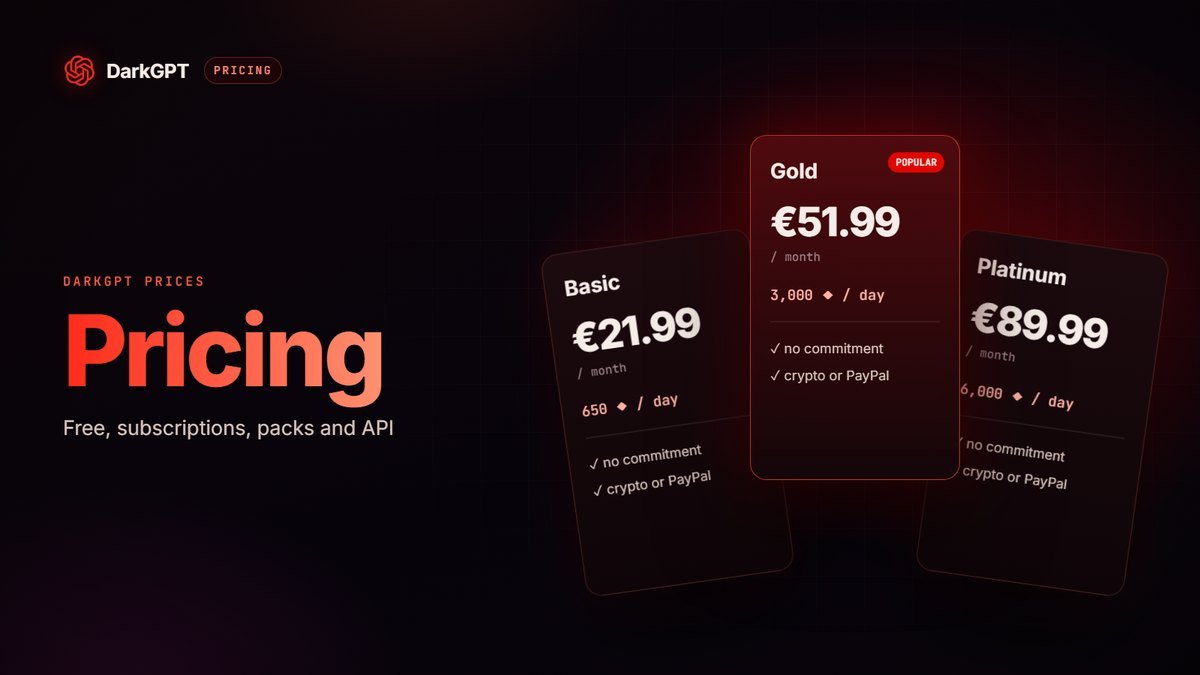
No. You need a DarkGPT account (free) and API & IDE credit, which you can top up from €10. Subscriptions are for the chat on darkgpt.chat.
Can I use my subscription gems in the IDE?
No: gems are for the chat. The IDE and the API use API & IDE credit, billed per token.
Does the same credit work for the API?
Yes, it’s the same credit for the IDE and the API, at the same price per token.
Can I use the IDE from a phone?
The IDE installs on a computer. Mobile Control then lets you drive it from your phone with a PIN code.
What if the IDE won’t connect?
Open a ticket on the site, on Telegram (@DarkGPT_support_bot) or on Discord. The team usually replies within a few hours, 24 h max.