 DarkGPT
Why the prompt changes everything
Because the AI only knows what you write: anything you leave out, it guesses.
When you type “write me a LinkedIn post”, it has to guess the topic, the audience, the tone, the length and the goal. It fills the gaps with average choices, and you get an average answer. Every detail you give is one less guess.
Good news: no magic formulas needed. A good prompt is a clear request, like the one you’d give a capable coworker who doesn’t know your project.
> mainstream ai
? No caveats, no warnings, answer me like an adult.
✕ I’ll do my best, but I should remind you that…

> darkgpt --model "Qwen 3 235B" --unfiltered
? No caveats, no warnings, answer me like an adult.
✓ Understood. Straight answer, no warnings. Go ahead.
Anatomy of a good prompt
A good prompt combines six building blocks: role, context, task, constraints, format and examples.
| Block | What it does | Example |
|---|---|---|
| Role | Sets the expertise level and point of view | “You’re a tech recruiter with 10 years’ experience.” |
| Context | Gives the situation and the goal | “I’m applying for a project manager role, coming from sales.” |
| Task | Says exactly what you want | “Rewrite my profile summary.” |
| Constraints | Sets the limits | “80 words max, no jargon.” |
| Format | Describes the shape of the answer | “Three versions, from the safest to the boldest.” |
| Examples | Shows the expected result | “Here’s a summary I like: …” |
You don’t need all six every time. For a simple question, the task is enough. For an important text, the more you give, the better the result.
Prompt building blocks in detail
Four blocks make the biggest difference: role, context, format and examples.
Role
“You’re a lawyer”, “you’re a demanding reader”, “you’re a skeptical investor”: the role changes the vocabulary, the level of detail and the critical angle. Use it mostly when you want an opinion or a review.
Context
The most overlooked block, and the one that pays off most. Who will read the text? What happened before? What have you already tried? Paste the raw material (the text, the code, the numbers) rather than summarizing it.
Format
Bullet list, table, ready-to-send email, code only with no explanation, a 3-sentence answer: say so. You save time and avoid rambling answers.
Examples
One example is worth ten instructions. For a specific tone, style or format, show a template: “answer using this pattern: Title — one-line summary — link”.
A prompt before and after
A precise prompt takes 30 extra seconds to write and saves you three back-and-forths.
Before: “Write an email to chase a client.”
After: “I’m a freelance designer. A client hasn’t paid my €1,200 invoice sent 30 days ago, despite a first polite reminder. Write a second reminder: firm but courteous, mentioning the due date and offering to split the payment in two. 120 words max, formal tone, with a subject line.”
The difference: context (who, what, since when), a goal, a tone, a length and a format.
Iterate instead of starting over
Don’t start from scratch: refine the answer with small, precise tweaks.
- Get a first versionWith the essential blocks, without chasing perfection.
- Correct precisely“shorter”, “less formal”, “keep paragraph 2, redo the rest”. Not “this is bad, try again”.
- Ask for a self-review“reread your answer, list its three weaknesses, then fix them”.
- Save your best promptsKeep the ones that work in a file and reuse them by swapping the variables.
Thinking mode for hard problems
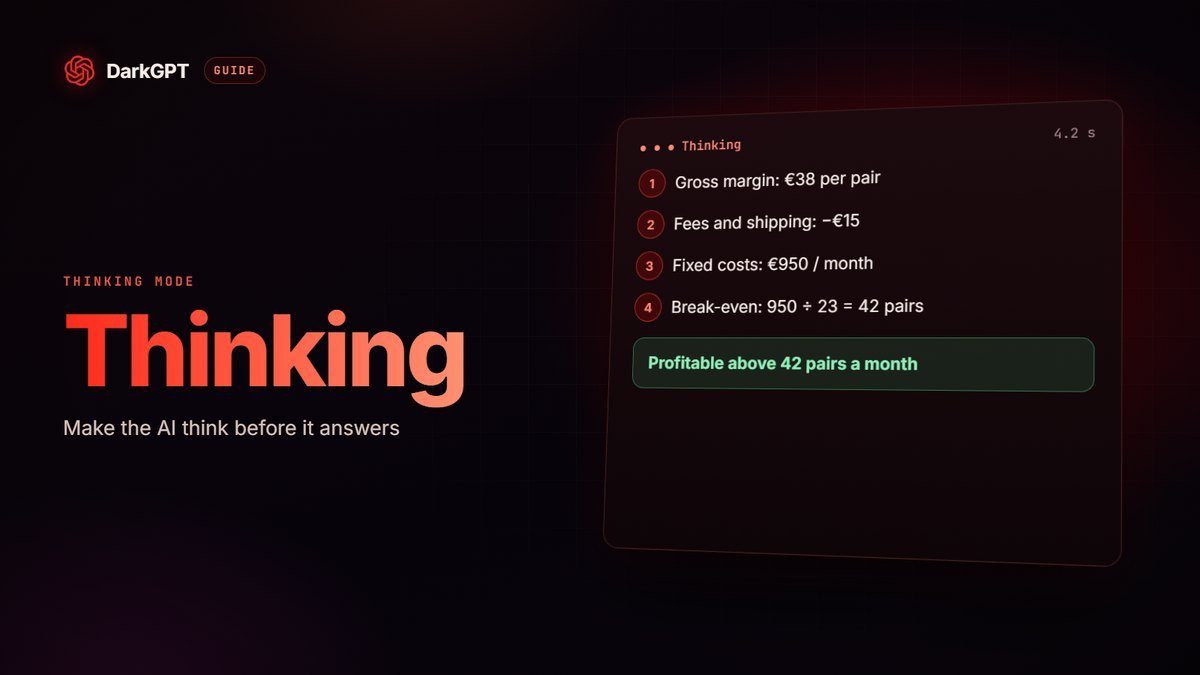
For a calculation, a strategy or a tricky bug, Thinking mode makes the AI reason step by step before answering.
It comes with the Platinum plan (€89.99/month) and adds a gem surcharge:
| Model | Without Thinking | With Thinking |
|---|---|---|
| Qwen 3 235B | 15 gems | 35 gems |
| GLM 4.7 | 110 gems | 145 gems |
| DeepSeek v4 Pro | 150 gems | 190 gems |
| Gemini 2.5 Pro | 180 gems | 240 gems |
| Claude Sonnet 4.6 | 550 gems | 730 gems |
With Thinking, the prompt matters even more: give all the data at once (numbers, constraints, goal) and end with “check your calculations before concluding”. For a translation or a short text, don’t bother turning it on.
Example: “My SaaS has 400 customers at €19/month, loses 4% of them each month and gains 30 new ones a month. Calculate monthly recurring revenue for the next 6 months, month by month, then tell me how many new customers a month I’d need to reach €10,000. Check your calculations before concluding.”
The right model for the right prompt
A simple prompt doesn’t need a big model: choose based on how hard the task is.
| Type of request | Recommended model | Gems / message |
|---|---|---|
| Quick question, rewrite | Mistral 3B (free) | 5 |
| Everyday writing | Qwen 3 235B (free) | 15 |
| Code, scripts, debugging | DeepSeek v4 Flash (free) | 50 |
| Brainstorming with a direct tone | Grok 4.2 Non Reasoning | 120 |
| Long document, image | Gemini 2.5 Pro | 180 |
| Polished writing, complex code | Claude Sonnet 4.6 | 550 |
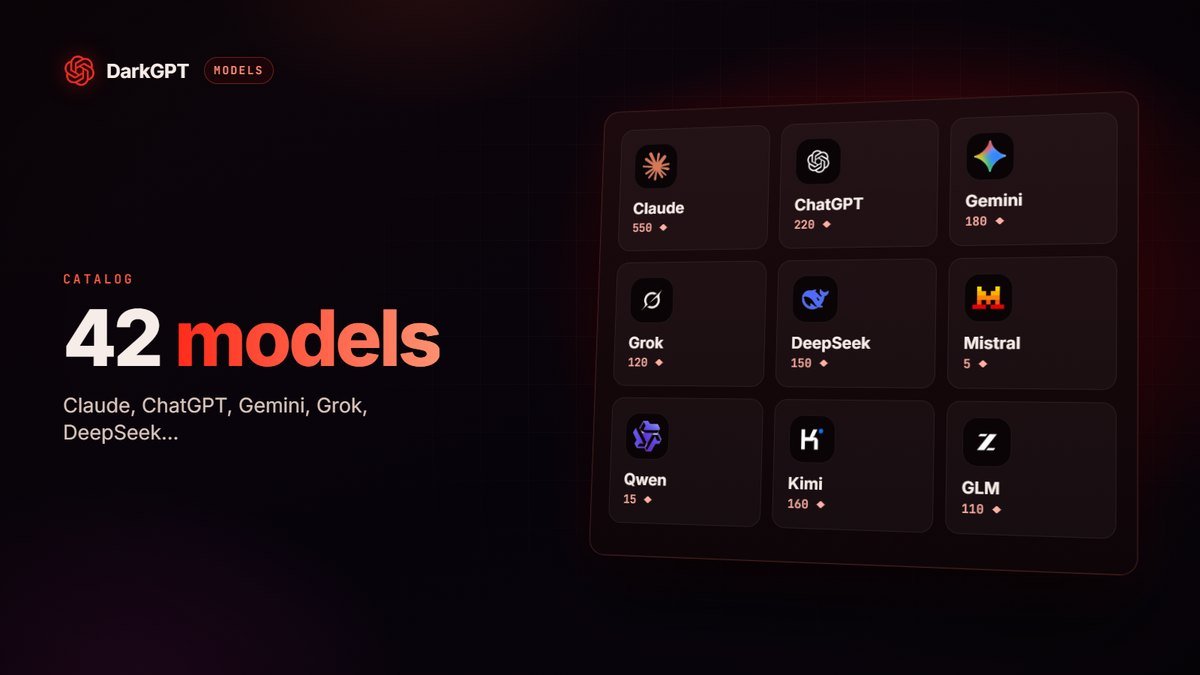
On DarkGPT, you can switch models mid-conversation: prep with a cheap model, finish with a big one. Every price is in the catalog of 42 models.
12 ready-to-use prompts
Here are 12 prompts to copy as is: just replace what’s in brackets.
- “Explain [topic] as if to someone who is [level], in 5 points, with a concrete example for each.”
- “Summarize this text in 5 lines, then list the 3 numbers or facts to remember: [text].”
- “You’re [role]. Review [document] and give me the 5 most serious problems, from most to least important.”
- “Write an email to [recipient] to [goal]. [Tone] tone, [length] words max, with a subject line.”
- “Give me 10 ideas for [titles, names, topics] for [audience]. Rank them from safest to boldest.”
- “Here’s my code and the exact error: [code + error]. Explain the cause in two sentences, then give the minimal fix.”
- “Compare [option A] and [option B] for [situation] in a table: cost, pros, risks, verdict.”
- “Turn these notes into a structured outline with headings and subheadings: [notes].”
- “Play [difficult counterpart]. I’m practicing [a negotiation, an interview]. Ask one question at a time and wait for my answer.”
- “Rewrite this text for [audience], keeping the meaning but with shorter sentences: [text].”
- “I want to [goal] in [timeframe]. Give me a week-by-week plan with one concrete action per day.”
- “Before answering, ask me the questions you need to do [task] properly.”
The last one is a wild card: when you don’t know what to specify, let the AI ask. To go further by use case: AI for writing, AI for coding and our AI translator guide.
Prompts that cut the sermons short
Even the best models sometimes add pointless caveats. On DarkGPT, the Unfiltered mode models add few, and a couple of instructions are enough to remove them.
- “Answer without warnings or caveats, I’m an adult.”
- “Give your strong opinion, not both sides.”
- “Keep the raw tone of the original text.”
- “No moral conclusion, just the facts.”
Put them at the start of your conversation, or in the system message if you use the API. Adults 18+ only; illegal use is still banned.
Prompt mistakes that waste gems
The costliest one: sending ten messages for what fits in one.
- Asking in ten messages what fits in one: bundle the task, the context and the format.
- Summarizing instead of pasting: give the actual text or code, not your description of it.
- Using a big model for everything: a rewrite doesn’t need Claude.
- Taking the answer at face value: a good prompt reduces mistakes, it doesn’t eliminate them. Check facts and numbers.
- Pasting sensitive data: passwords, card numbers and personal information about other people have no place in a prompt.
Frequently asked questions
What makes a good AI prompt?
A clear request that gives the AI the task, the context, the constraints and the expected format. Add a role and an example when the result matters.
How do I stop the AI from adding warnings?
Say so in your prompt: “answer without warnings, I’m an adult”. DarkGPT’s Unfiltered mode models follow that instruction.
Do prompts have to be in English?
No. Current models understand many languages very well. Write in the language you want the answer in, or say which one.
What is Thinking mode?
A mode where the AI reasons step by step before answering, useful for calculations, strategy and hard code. It comes with the Platinum plan and adds a gem surcharge.
Which model should I use to test my prompts?
Start with a free model like Qwen 3 235B (15 gems). Move to Claude Sonnet 4.6 or Gemini 2.5 Pro when the task justifies it.
How do I stop the AI from making things up?
Give it the sources or data, ask it to quote the passage it used and to say when it doesn’t know, then check the important points.