 DarkGPT
What AI does for students
AI is best for understanding, practicing and getting feedback, not for producing your assignment. Six uses make a real difference:
- Understanding a lesson: re-explaining a concept in other words, with a concrete example or an analogy.
- Revising: turning a chapter into notes, review questions or flashcards.
- Practicing: generating exercises like your teacher’s, with detailed solutions.
- Coding: explaining an error, reviewing your program, breaking down an algorithm.
- Summarizing: condensing an article, handout or textbook chapter.
- Languages: correcting a text, simulating an oral exam, explaining a grammar rule.
“Explain how Nazi propaganda won over an entire country. Don’t soften it, I have an exam.”Mainstream AI : sensitive topic
It relied on three levers: fear of a designated enemy, massive repetition and total control of the media. Here’s each mechanism, with the examples your grader expects.
Which model for which need
Free models cover explanations, languages and simple code; DeepSeek v4 Pro and Gemini 2.5 Pro (from Basic) take over for math and long documents.
| Need | Recommended model | Gems | Plan |
|---|---|---|---|
| Simple explanation, definition | Qwen 3 235B | 15 | Free |
| Languages, translation, proofreading | Mistral 14B | 30 | Free |
| Code, debugging | DeepSeek v4 Flash | 50 | Free |
| Step-by-step math, physics, logic | DeepSeek v4 Pro | 150 | Basic |
| Essays, written synthesis | Mistral Medium | 85 | Basic |
| Long course pack, thesis | Gemini 2.5 Pro | 180 | Basic |
| Summarize or rewrite a document | DocGPT | 250 | Basic |
To read a photo of an exercise or a diagram, you need a model with vision (Gemini 2.5 Flash, GLM 4.5V…): vision and file analysis come with the Gold plan. On Free or Basic, just type out the problem.
Not sure where to start? Ask Qwen 3 235B first and only move up when the answer falls short: plenty of study questions are handled for 15 to 50 gems.
AI for students on a budget
Start for free, grab a €15.99 pack for exam season, or move to Basic (€21.99/month) for daily use.
| Option | Price | Gems | What you get |
|---|---|---|---|
| Free | €0 | 50 at signup + 50 / week | 3 explanations with Qwen 3 235B or 1 code fix with DeepSeek v4 Flash per week |
| Essential pack | €15.99 | 1,500, at your own pace | 100 Qwen 3 235B messages or 10 with DeepSeek v4 Pro, ideal for exam season |
| Basic | €21.99/month | 650 / day | For example 10 Qwen explanations + 2 DeepSeek v4 Pro exercises + 2 Mistral Medium summaries, every day |
The free plan with no credit card is enough to try things out, and Basic easily covers daily study: 35 models, DocGPT and OSINT included. Claude and ChatGPT 4.1 require Gold, but you don’t need them to revise. Full details on the pricing page.
🎃 Halloween deal: −10% on every subscription until October 31 at midnight — just open a ticket on the site, on Telegram or on Discord.
Revise a chapter with AI in 5 steps
The most effective method is getting quizzed, not rereading a summary.
- Paste your lessonThe handout text or your notes, with your level (high school, first year, grad school…) and the subject.
- List the key concepts“give me the 8 concepts I absolutely need to master and what’s expected of me on each”.
- Get quizzed“ask me one question at a time, wait for my answer, then correct me”. This is the most useful step.
- Work on your mistakesFor every wrong answer, ask for a different explanation and a similar exercise.
- Finish with a study sheetOne page max, built from your mistakes, not the whole lesson.
Ready-to-copy prompts
The best student prompts ask for a hint or feedback, not the final answer.
Understanding
- “Explain derivatives as if I were 15, then give the rigorous definition, then a worked example.”
- “I don’t get the difference between inflation and deflation: give me three concrete everyday examples.”
Practicing
- “Here’s an exercise from my problem set. Create 3 similar exercises of increasing difficulty. Don’t give the solutions until I ask.”
- “I’m stuck on this exercise. Give me a hint only.”
- “Here’s my answer: tell me where the mistake is without giving me the final result.”
Code
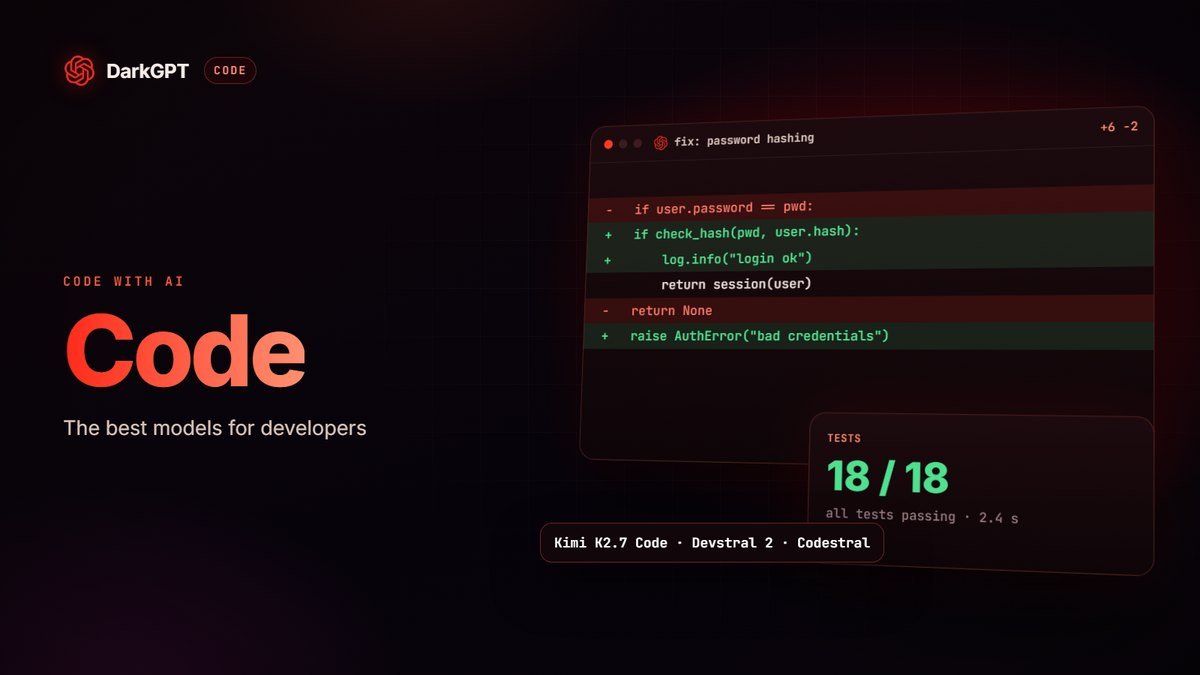
- “My Python program throws IndexError. Explain why based on my code, then let me fix it.” (DeepSeek v4 Flash)
- “Walk me through this sorting algorithm line by line, with a small table showing the list after each pass.”
Summarizing and memorizing
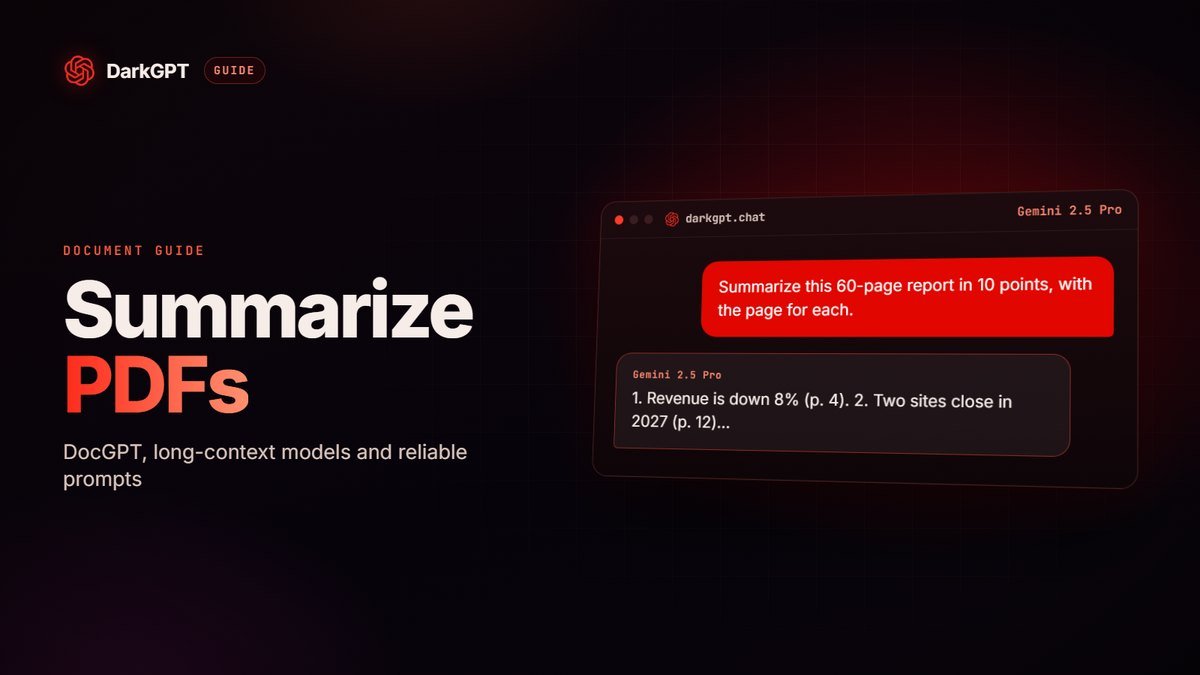
- “Summarize this chapter in 10 points, then turn each point into a review question.”
- “Create 20 flashcards in short question / answer format from this text.”
For programming, our AI for coding guide compares every code model. For whole course packs, read our method to summarize a PDF with AI.
Preparing a presentation, oral exam or thesis
Before facing a panel, AI makes a great sparring partner: it asks the hard questions and spots the weak points in your outline.
- Simulate the panel: “You’re on the panel for my oral exam on the Industrial Revolution. Ask me 5 tough questions, one at a time, and score each answer out of 5 with a tip.”
- Stress-test your outline: “Here’s the outline of my presentation: where’s the weak spot, and what objection would a professor raise?”
- Sharpen your research question: “Suggest 5 ways to phrase the research question for this thesis topic, from broadest to most precise.”
- Hit your time: “Cut my talk so it fits in 5 minutes spoken aloud, without losing an argument.”
Academic honesty: the ground rules
The rule that matters is your school’s: read its policy and each teacher’s instructions, because they vary and keep changing.
Some teachers allow AI for brainstorming, others ban it for any graded work. Either way:
- Use AI to learn, not to hand in: explaining, quizzing, giving feedback on your work, yes. Submitting generated text as your own is risky and teaches you nothing.
- Check your sources: AI can invent a believable reference, author or date. Every citation must be found in the real source, library catalog or academic database.
- Be transparent: if your school requires you to disclose AI use, disclose it.
- Own the reasoning: on exam day, neither DeepSeek nor Gemini will be sitting next to you.
Course topics finally explained straight
History of genocides, propaganda, wars, anatomy, diseases, criminology: many courses cover hard topics. And many mainstream AIs answer halfway, with caveats in every sentence.
On DarkGPT, the Unfiltered mode models explain those topics like a good teacher: the facts, the mechanisms, the numbers. DeepSeek v4 Pro for history and analysis, Qwen 3 235B (free) for definitions, Gemini 2.5 Pro for long course packs.
Adults 18+ only; cheating and illegal use remain your responsibility.
Pitfalls to avoid
The main risk isn’t cheating, it’s believing you understand because you read a good explanation.
- Well-written isn’t always right: math errors and made-up facts happen, even with the best models. Ask it to “check your answer with a worked numerical example”.
- Reading the solution without trying: try first, ask for a hint second.
- Vague context: without your level and syllabus, the AI answers too simply or too advanced.
- Pasting personal data: no student ID, logins or information about other students.
- Cramming everything the night before: AI makes spaced review easy, so quiz yourself on each chapter a few days apart instead.
- Using the priciest model for everything: a definition isn’t worth 150 gems; Qwen 3 235B at 15 gems often does the job.
On DarkGPT, models also answer frankly on topics mainstream AI sometimes dodges (history of conflicts, medicine, criminal law, cybersecurity), handy for a sensitive presentation. The service is for adults (18+) and illegal use is banned: see our unfiltered AI guide.
Frequently asked questions
What is the best free AI for students?
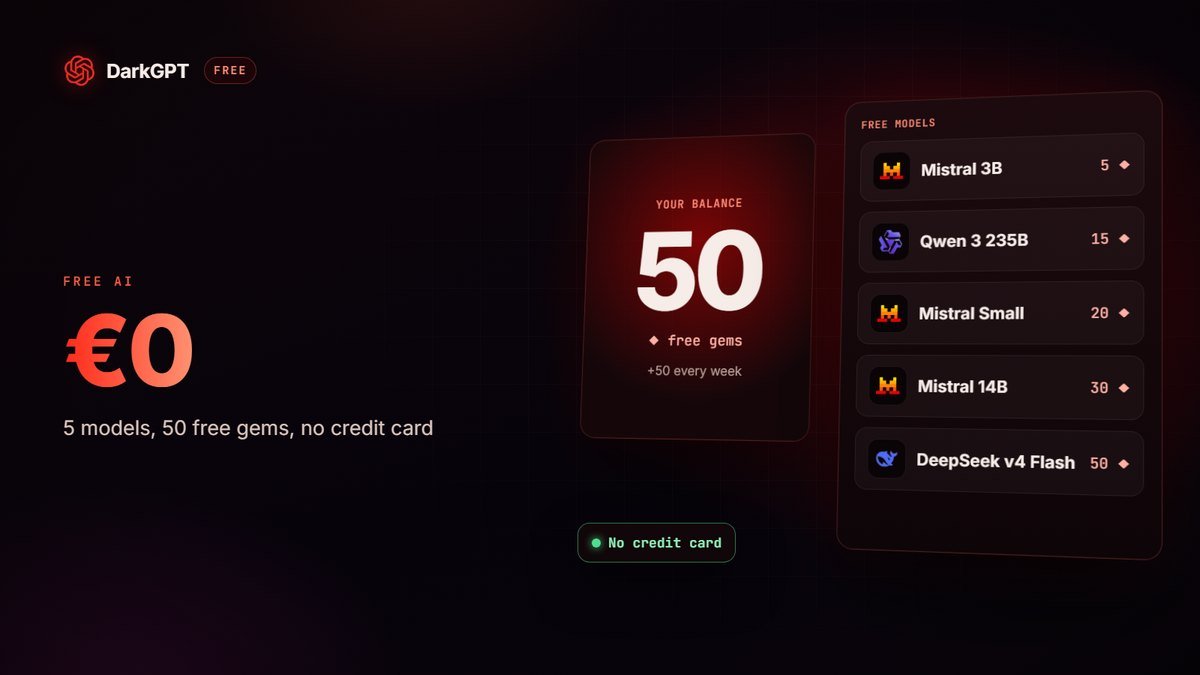
On DarkGPT, 5 models are free: Qwen 3 235B is the best value for explanations, DeepSeek v4 Flash for code and logic. 50 gems at signup, then 50 every week, no credit card.
Can AI explain sensitive topics for my classes?
Yes: DarkGPT’s Unfiltered mode models explain the history of wars, propaganda, medicine or criminology frankly, no half-answers.
Is using AI for homework cheating?
It depends on your school and how you use it. Using it to understand, practice and get feedback is often accepted; submitting generated text as your own is often banned. Read your school’s rules.
Which AI is best for math?
DeepSeek v4 Pro (150 gems, from Basic) lays out its reasoning step by step. Always ask it to check its answer with a worked numerical example.
Can AI read a photo of my homework?
Yes, with a model that has vision, like Gemini 2.5 Flash or GLM 4.5V. On DarkGPT, vision and file analysis are included from the Gold plan.
How much does AI cost for a student?
Free to start, €15.99 for the Essential pack (1,500 gems, no subscription) during exam season, or €21.99 a month for Basic (650 gems a day, 35 models).