 DarkGPT
Why use an AI email writer
Because an email is a short text with a clear goal, exactly where AI shines, even with a small free model.
Getting a reply, a refund, a meeting, a payment: AI can switch tone, shorten, structure and translate. You keep the substance and the decision to hit send.
It pays off most for:
- emails in a language you don’t fully master;
- messages you dread writing (complaints, refusals, chasing payment);
- repetitive replies you send ten times a week;
- long threads you need to catch up on in three lines.
“Write a curt email to my landlord who hasn’t fixed the heating in 6 weeks. No pointless politeness.”
Subject: Heating out for 6 weeks, formal notice. If it isn’t repaired within 8 days, I will file a complaint with the local housing authority and pursue the remedies available to me.
Which model to use
For most emails, a free model at 5 or 15 gems is enough; save Claude Sonnet 4.6 for high-stakes messages.
| Use | Model | Gems | Plan |
|---|---|---|---|
| Rephrase, shorten, proofread | Mistral 3B | 5 | Free |
| Everyday email, customer reply | Qwen 3 235B | 15 | Free |
| Professional translation | Mistral 14B | 30 | Free |
| Cold outreach, follow-up sequences | Mistral Medium | 85 | Basic |
| Firm message with some bite | Grok 4.1 Fast | 100 | Basic |
| Sensitive, high-stakes email | Claude Sonnet 4.6 | 550 | Gold |
With Basic (650 gems a day), that’s up to 43 emails a day with Qwen 3 235B, or 130 rewrites with Mistral 3B. Claude Sonnet 4.6 is for the resignation letter, the salary negotiation or the furious client. Every price is in the model catalog.
The 5-point method for an AI email writer
Give five pieces of information in your prompt and proofread before sending: that’s all that separates a generic email from one that gets a reply.
- ContextWho you are, who you’re writing to, your relationship (client, manager, stranger) and what happened before.
- GoalOne single expected action. “Get a refund within 14 days” beats “complain”.
- TonePolite but firm, warm, neutral, direct. One word is enough, and it changes everything.
- ConstraintsMaximum length, formality level, no filler phrases, a subject line.
- ProofreadingCheck names, dates, amounts and anything the AI might have assumed.
Set the tone with one instruction
Tone is controlled by a short instruction added to your prompt:
| Tone | When to use it | Instruction to add |
|---|---|---|
| Formal | Government office, bank, lawyer | “formal register, full formal greeting and sign-off” |
| Polite but firm | Complaint, unpaid invoice, insistent follow-up | “no aggression, no needless apologies” |
| Warm | Loyal client, colleague, thank-you note | “natural, with a personal touch” |
| Direct | Internal, team, project updates | “5 lines max, get straight to the point” |
Ready-to-copy email prompts
Replace the brackets with your details and adjust the length.
Follow-ups
- “Write a follow-up for an €850 invoice unpaid for 30 days. Second reminder, firmer than the first, deadline on the 15th. 6 lines max, with a subject line.”
- “Follow up with a recruiter who hasn’t replied in 10 days after an interview, without sounding desperate.”
Complaints
- “Write a complaint about a parcel that never arrived, order #[X], paid on [date]. I want a full refund. Polite but firm, facts listed by date.”
- “My contractor left the job unfinished: write a factual email giving him 8 days to finish, with no threats.”
Cold emails
- “I sell [service] to [type of client]. Write a first cold email of 80 words max: one sentence about their problem, one about my solution, one question to close. No superlatives.”
- “Write a sequence of 3 emails sent 4 days apart, each with a different angle.”
Tricky situations
- “Politely turn down this project without closing the door for the future.”
- “Reply to this unhappy customer: acknowledge the problem, offer a concrete fix, no canned phrases.” (Claude Sonnet 4.6)
- “Here’s my angry draft: keep the substance, remove anything I might regret.”
Translation
- “Translate this email into professional French, keep the friendly tone and adapt the greetings and sign-off to local customs.” (Mistral 14B)
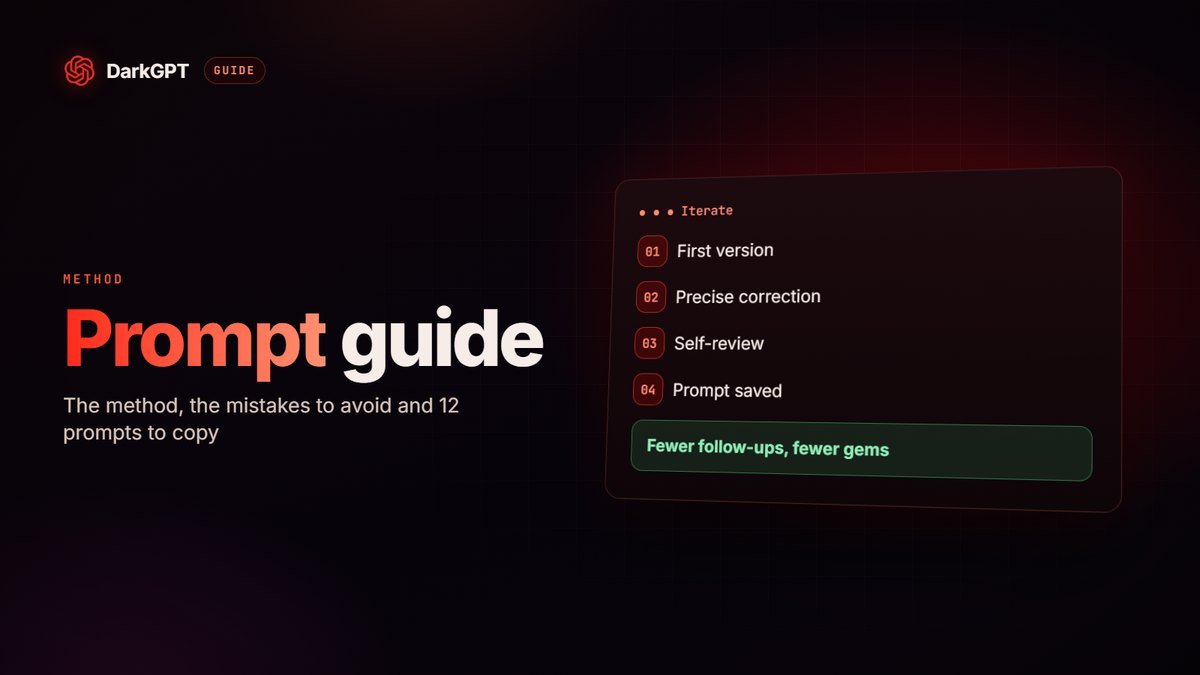
For more languages, read our AI translator guide; to phrase every request better, see our prompt guide.
Example: from angry draft to effective email
The same message without the anger gets a reply far more often. Here’s the draft written in the heat of the moment:
“Hi, I’ve been waiting three weeks for my order, nobody answers the phone, this is unacceptable, I want my money back.”
The prompt: “Rewrite this message for [store]’s customer service. Order #[X] from [date], amount €[Y]. Goal: delivery within 7 days or a full refund. Polite but firm, facts in order, 8 lines max, with a clear subject line.”
The result: a subject line like “Order #[X] not delivered: delivery or refund”, a dated recap of the facts, one request with a deadline and a clean sign-off. All that’s left is to fill in the [X] and proofread.
Subject lines that get opened
Always ask for five different subject lines and pick the most specific: the subject decides whether your email gets read.
Go specific (“Invoice 2026-118: due date of the 15th has passed”), benefit-led for outreach (“An idea to cut your delivery times”) or a short question. Avoid all caps, exclamation marks and salesy words: they land in spam more often. For internal email, put the action and the deadline right in the subject: “Approval needed by Friday: Q4 budget”.
Automate your emails with the API
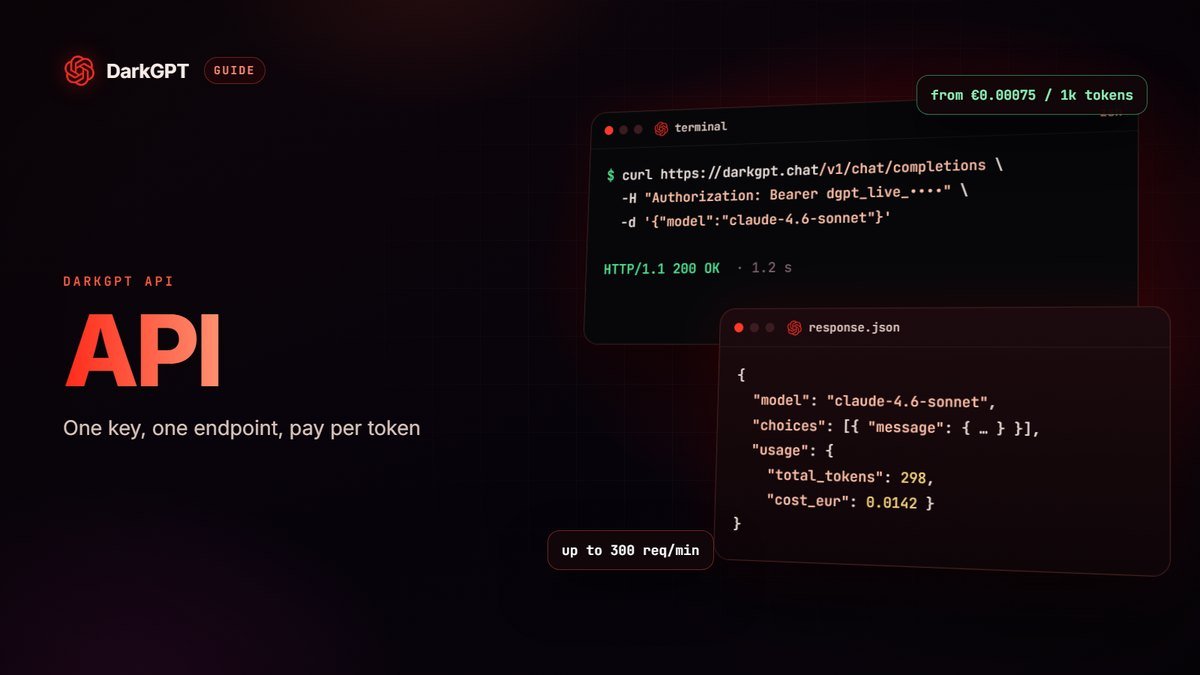
Beyond a few dozen emails a day, the DarkGPT API plugs AI into your tools, billed per token with credit from €10.
| API model | Input / 1,000 tokens | Output / 1,000 tokens | 1,000 emails (example) |
|---|---|---|---|
| Mistral 3B | €0.00075 | €0.00225 | ≈ €1.05 |
| Mistral 14B | €0.00150 | €0.00450 | ≈ €2.10 |
| DeepSeek V4 Flash | €0.00281 | €0.00844 | ≈ €3.94 |
| Claude 4.6 Sonnet | €0.01688 | €0.05250 | ≈ €24.19 |
Example based on 500 input tokens (instructions plus the incoming email) and 300 output tokens per email; your real cost depends on message length. Credit is sold in the shop. Ideas: sort incoming email by urgency, draft replies for you to approve, summarize a long thread in three lines, translate foreign-language requests. Start with Mistral 14B and switch to Claude only for replies your customers will read closely.
The firm email that mainstream AI always softens
Ask a mainstream AI for a curt email and you get a message full of “I hope this finds you well” and “please don’t hesitate”. For a complaint, an unpaid invoice or a breakup, that tone loses.
On DarkGPT, the Unfiltered mode models write in the tone you ask for: firm, curt, even icy, without insults or illegal threats. Mistral Medium for professional French and English, Grok 4.2 for bite, Qwen 3 235B for volume.
Adults 18+ only; illegal use (harassment, threats) remains banned.
Pitfalls to avoid
Always proofread a generated email: AI sometimes fills in what you didn’t say.
- Sending without reading: an invented amount, date or name can be costly.
- Robotic tone: “I hope this email finds you well” gives the AI away. Ban filler phrases.
- Replying to a thread blind: paste the whole thread so the AI doesn’t contradict something said earlier.
- Too long: set a line limit. An email read to the end beats a perfect one that gets ignored.
- Sensitive data: account numbers, passwords, health or customer data don’t belong in a conversation. Replace them with [X].
- Mass outreach without rules: follow your country’s rules on marketing email and personal data, and always offer an unsubscribe option.
- Auto-sending without review: with the API, keep a human check before any important message.
Frequently asked questions
What is the best free AI email writer?
On DarkGPT, Mistral 3B (5 gems), Qwen 3 235B (15 gems) and Mistral 14B (30 gems) are free and handle most emails. 50 gems at signup, then 50 a week, no credit card.
Can AI write a truly firm email?
Yes: DarkGPT’s Unfiltered mode models write in the tone you ask for, firm or curt, without softening it. Threats and harassment remain banned.
How do I write a complaint email with AI?
Give the facts by date, the order number, what you want and the tone (polite but firm). Ask for a subject line and a maximum length, then check every date and amount.
Can AI translate my emails?
Yes. Mistral 14B, which is free, translates well into professional French or Spanish. Also ask it to adapt greetings and sign-offs to local customs.
Can I automate email replies with AI?
Yes, with the DarkGPT API, billed per token from €10 of credit. With Mistral 14B, 1,000 short replies cost about €2 in our sample calculation.
How do I stop an email from sounding AI-written?
Ban filler phrases, keep it short, give an example of your own style and proofread to add a personal touch.