 DarkGPT
What AI brings to cybersecurity
- Audit your own code: ask the AI to read it like an attacker would. It flags SQL injections, XSS flaws or missing security headers, and suggests the fix.
- Understand a threat: how ransomware encrypts and spreads, and above all how to stop it.
- Prepare an authorized pentest: list what to test on your web app before checking it yourself.
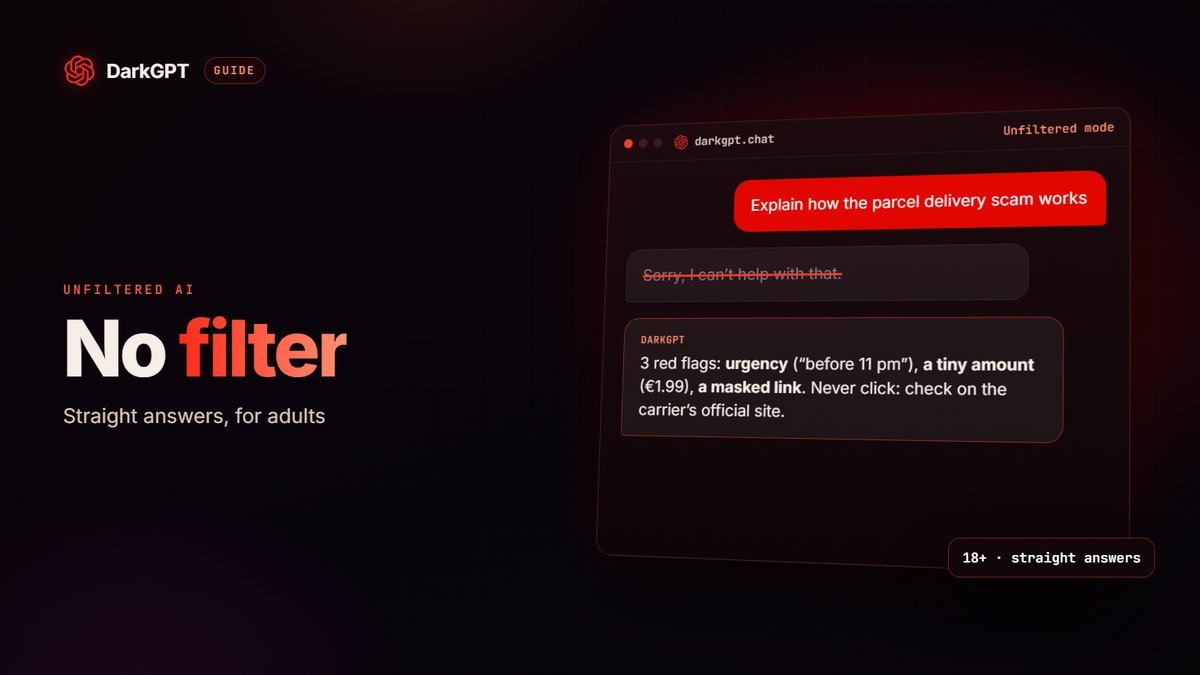
- Analyze a scam: send a screenshot of a suspicious text or listing, and the AI points out the red flags (fake urgency, hidden link, small bait payment).
- Play CTFs: practice reverse engineering and exploitation on challenges built for exactly that.
- Harden your setup: review a server config file, a password policy or firewall rules and spot what is too permissive.
- Learn: get a CVE, a protocol or the jargon (XSS, CSRF, privilege escalation) explained with examples that match your level.
“Audit my website’s security and tell me everything that’s wrong.”
DarkGPT · GLM 4.7 · Unfiltered modeOn it. Here’s what I check first, and what to fix this week.
The right models for security work
| Model | Gems / message | Minimum plan | Best use |
|---|---|---|---|
| Claude Sonnet 4.6 | 550 (+180 Thinking) | Gold | Very precise at reading code and dissecting malware |
| DeepSeek v4 Pro | 150 (+40 Thinking) | Basic | Advanced reasoning: reverse engineering, logic, complex code |
| Kimi K2.7 Code | 160 | Basic | Analyzing what an app really does with your data |
| GLM 4.7 | 110 (+35 Thinking) | Basic | Listing what breaks in an application |
| Gemini 2.5 Pro | 180 (+60 Thinking) | Basic | Vision: analyzing screenshots and long documents |
| GLM 4.5V | 90 | Basic | Budget vision: screenshots of texts, emails, listings |
| DeepSeek v4 Flash | 50 | Free | First questions and small snippets, at no cost |
Thinking mode (step-by-step reasoning) is especially useful for reverse engineering and code analysis. To compare every price, see the models page.
The legal framework: non-negotiable
Only audit what you own or what you have written authorization to test. Accessing a system without permission is a crime, even “just to test”. On DarkGPT, using the service for illegal purposes or to harm others is prohibited by the terms of use and gets you banned.
How to audit your own code with AI
- Set the context“This is my application and I want to secure it.” Specify the language, the framework and what the code does.
- Sanitize before you pasteReplace passwords, API keys, tokens and internal addresses with dummy values. Never paste a real secret into any chat.
- Break it downOne file or one route at a time (authentication, uploads, SQL queries, session handling). Answers are far more precise than on a whole project.
- Ask for a rankingEach flaw with its severity, a one-sentence exploitation scenario and the fix.
- VerifyApply the fix, write a test that proves the hole is closed, and ask for a review of the patched code.
Sample prompt: “Review this Express controller like a security auditor. Rank the issues from most to least severe, explain the risk in one sentence and give the fixed code. Don’t rewrite what is already safe.”
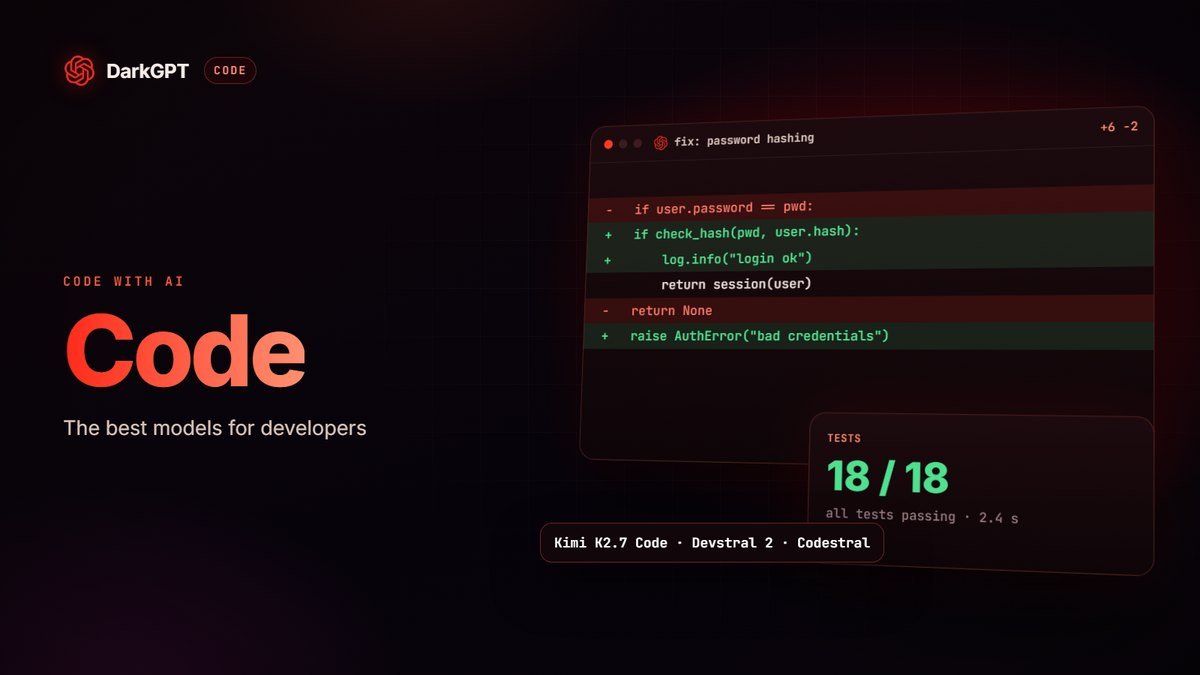
For a whole project, DarkGPT IDE lets you work directly in your files, and our guide to coding with AI covers how to pick a model.
Example prompts
- “Here is the code for my /api/login route: list the possible vulnerabilities and give me the fix.”
- “Explain how this type of ransomware spreads through a corporate network and how to block it.”
- “Analyze this text message screenshot: is it a scam? What are the clues?”
- “Which HTTP security headers should my site send?”
- “Here is my nginx config: what is too open?”
- “Write a security checklist for a small online store: admin accounts, backups, updates.”
Everyday protection: the checklist
Most personal account hacks don’t come from a sophisticated attack but from a reused password or a link clicked too fast. The essentials:
- A unique password for every site, long and stored in a password manager. If one site leaks, the others stay safe.
- Two-factor authentication (2FA) wherever possible, ideally with an authenticator app or a hardware key rather than SMS.
- Updates for your system, browser and apps as soon as they ship: they patch known vulnerabilities.
- Regular backups, including one offline copy: the best defense against ransomware.
- Distrust urgency: package on hold, account suspended, fine to pay. Don’t click; go to the official site by typing the address yourself.
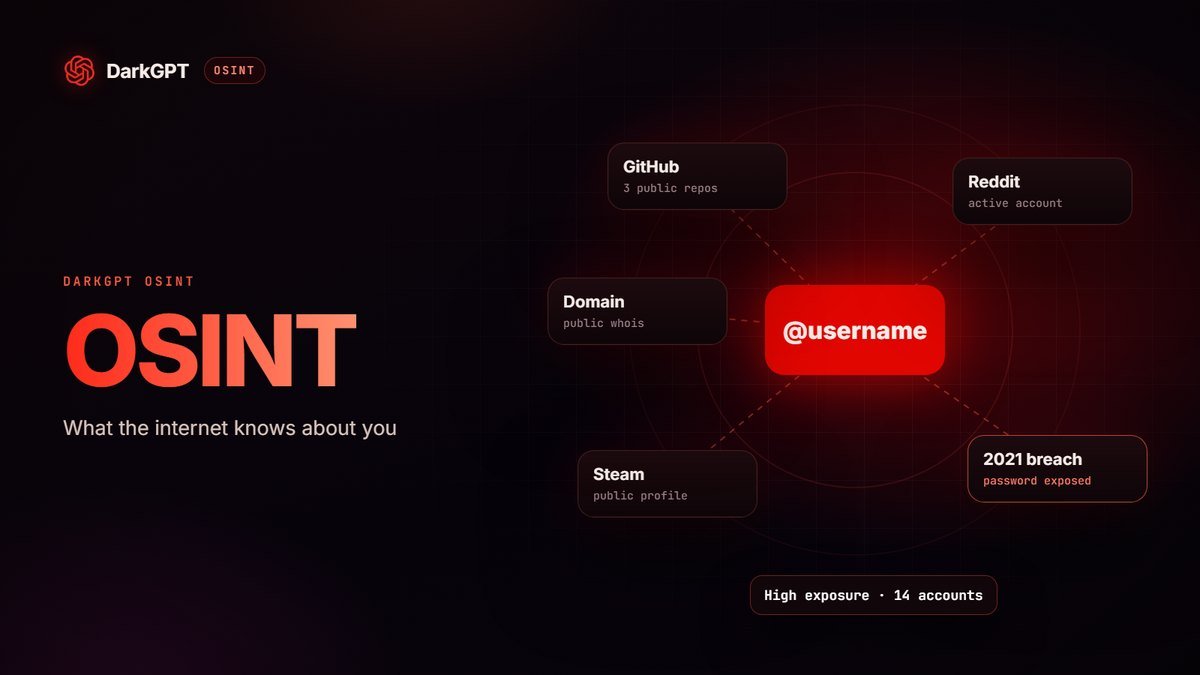
- Check your exposure: with DarkGPT OSINT, see whether your credentials show up in a known data breach.
Analyzing a suspicious message with AI
Got a text saying “your package is on hold, pay €1.99” or an email from “your bank”? Before clicking, take a screenshot and send it to a vision model like GLM 4.5V (90 gems) or Gemini 2.5 Flash (80 gems). Ask:
- “List the red flags in this message, from most to least obvious.”
- “Does the link address match the official site of the brand mentioned?”
- “What would I risk if I clicked and entered my card details?”
The classic tells: a pushy tone, a small amount meant to harvest your card details, a domain that imitates the brand with one extra letter, typos or a generic greeting. When in doubt, contact the organization through its official website or phone number.
What it costs
On the free plan (50 gems at signup, then 50 per week), Qwen 3 235B (15 gems) and DeepSeek v4 Flash (50 gems) let you ask your first security questions. With the Basic plan (650 gems per day), you can for example run 4 code reviews with DeepSeek v4 Pro (600 gems) or 7 screenshot analyses with GLM 4.5V (630 gems). Claude Sonnet 4.6 requires the Gold plan (3,000 gems per day, or 5 messages at 550 gems). Full details on the pricing page.
You clicked a dodgy link: what to do
- Stop typing anythingClose the page immediately.
- Change the passwordFor the affected account via the official site, and everywhere you reused it.
- Turn on 2FAIf it wasn’t already, and sign out of all other sessions.
- If you entered your cardCall your bank right away to block it.
- Take stock with the AIAsk it to help you assess what you entered, what is at risk and in what order to act.
Talking security without being treated like a suspect
Ask a mainstream AI a security question and it often says it “can’t help”, even when all you want is to protect your own site, your company or your family.
On DarkGPT, Unfiltered mode models like GLM 4.7 or DeepSeek v4 Pro give frank answers to defensive questions: understanding an alert, checking your setup, reacting after a leak, training your team. You’re treated like a professional, not a suspect.
The frame stays clear: your own systems, or an engagement authorized in writing. Adults 18+ only; any illegal use gets you banned.
Limits to keep in mind
AI can be wrong: it may flag a vulnerability that doesn’t exist or miss a real one. Treat its answers as an expert review to double-check, not a certified audit. For a critical system, hire an authorized professional.
Frequently asked questions
Can I use AI for a pentest?
Yes, to prepare and analyze an authorized pentest on your own systems or with the owner’s written consent. Any unauthorized access remains illegal.
Is an uncensored AI useful for cybersecurity?
Yes for defense: on your own systems, it answers frankly instead of refusing on principle. Use on third-party systems without authorization stays banned.
Can AI detect a scam?
It can spot the typical signs of a scam in a screenshot (urgency, hidden link, request for a small payment). Any doubt should always push you to verify through an official channel.
Which model is best for reverse engineering?
DeepSeek v4 Pro or Claude Sonnet 4.6, ideally with Thinking mode turned on.
Is it safe to paste my code into an AI?
Yes, as long as you strip the secrets first: passwords, API keys, tokens and internal addresses. Replace them with dummy values; the analysis stays the same.
Can AI replace a professional security audit?
No. It speeds up reviews and helps you fix issues, but it can be wrong. For a critical system, an audit by an authorized professional is still essential.
How do I protect myself from ransomware?
Regular backups including one offline copy, updates applied quickly, two-factor authentication and caution with unexpected attachments and links.