 DarkGPT
What is OSINT?
OSINT (Open Source Intelligence) means gathering information from public sources: social networks, websites, registries, archives, data breaches that have been made public. It is a method used by journalists, investigators and security teams.
DarkGPT OSINT is the search tool built into DarkGPT: usernames, domains, breaches, metadata.
“Show me everything anyone can find about me online.”
Running the search on your usernames and your domain. You’ll get the list of what’s out there, and what to delete first.
What it is for
- Measure your digital footprint: starting from your username, find your public accounts (GitHub, Reddit, Steam…) and what they reveal.
- Check whether your credentials leaked in a known data breach, so you can change your passwords.
- Vet someone before a transaction: a seller, a website or a domain.
- Investigate a domain: who owns it, since when, what it exposes.
- Check metadata: a photo or document can hold more information than it shows (device, date, sometimes location).
What a digital footprint reveals
Taken one by one, public details look harmless. The problem is cross-referencing them: a reused username links an old forum to your current profile, a photo of your neighborhood fills in a bio, an old breach hands over a password you may still be using.
| What turns up | The risk | What you can do |
|---|---|---|
| The same username on several sites | All your accounts get linked together | Use different usernames for different purposes |
| Your credentials in a data breach | Login attempts with the old password, targeted phishing | Change the password everywhere you used it, turn on 2FA |
| Metadata in your photos | Revealing a location or a device | Strip metadata before posting |
| A forgotten old account | Details that were current ten years ago, a hackable account | Delete it or wipe it |
| Domain registration details | Exposing your name, address or phone number | Turn on privacy protection at your registrar if it is offered |
How to use it
- Sign inOn darkgpt.chat with a Basic plan or higher.
- Pick DarkGPT OSINT50 gems per search.
- Run the searchEnter a username or a domain and read the report: sources found, linked accounts, exposure level.
- Act on itDelete forgotten accounts, change exposed passwords, lock down profiles that overshare.
Method: your exposure audit in one evening
- Make a listEvery identifier you use: current and old usernames, domains you own.
- Run one search per identifierNote what comes up: linked accounts, breaches, visible information.
- PrioritizeBreaches first (passwords to change), then anything that can locate or identify you, then useless old accounts.
- FixPasswords, 2FA, privacy settings, account deletion. You can ask a chat model to help you write a data deletion request to a website.
- Repeat in a few monthsNew breaches are made public regularly.
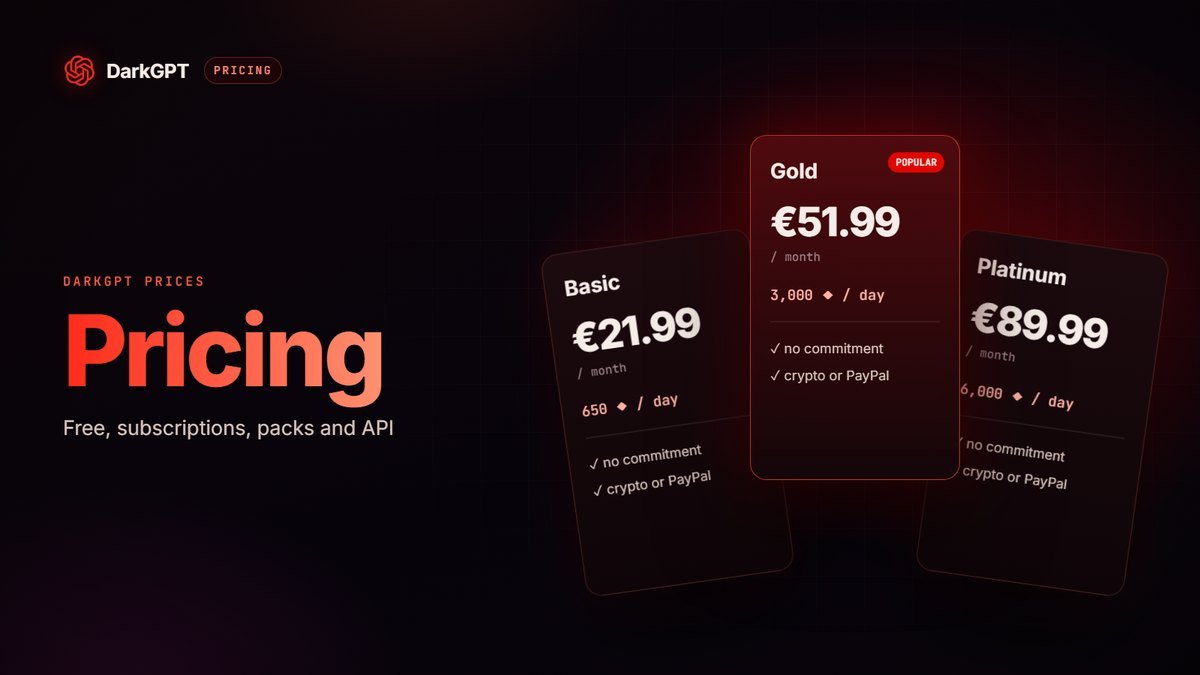
Budget-wise: with the Basic plan (650 gems per day), a 50-gem search leaves you plenty to run your whole audit in one day, with gems to spare for chatting with the models. With Platinum and Diamond, OSINT is unlimited.
Shrinking your exposure: good habits
- A unique password for every site, generated and stored by a password manager: a breach then compromises only one account.
- Two-factor authentication on your key accounts (email, banking, social media), ideally via an app rather than SMS.
- A dedicated email address for secondary signups, or aliases, to keep your main address private.
- Separate usernames for work, hobbies and anonymous accounts.
- Private profiles and bios without your city, employer or date of birth.
- The right to erasure: in Europe, you can ask a website to delete your personal data.
Metadata: the leak you can’t see
A photo taken with a phone can contain, on top of the image, the date, the device model and sometimes the GPS coordinates of where it was taken. An office document can keep its author’s or company’s name. Some social networks strip part of this data on upload, but not every site does, and neither do files sent by email or messaging apps.
- Turn off location tagging in your camera if you don’t need it.
- Strip metadata before sending a photo to a stranger or posting it on a forum.
- Check the properties of a PDF or document before sharing it.
- Look at the background: a street sign, the view from your window or a badge can say more than the metadata.
For freelancers and small businesses
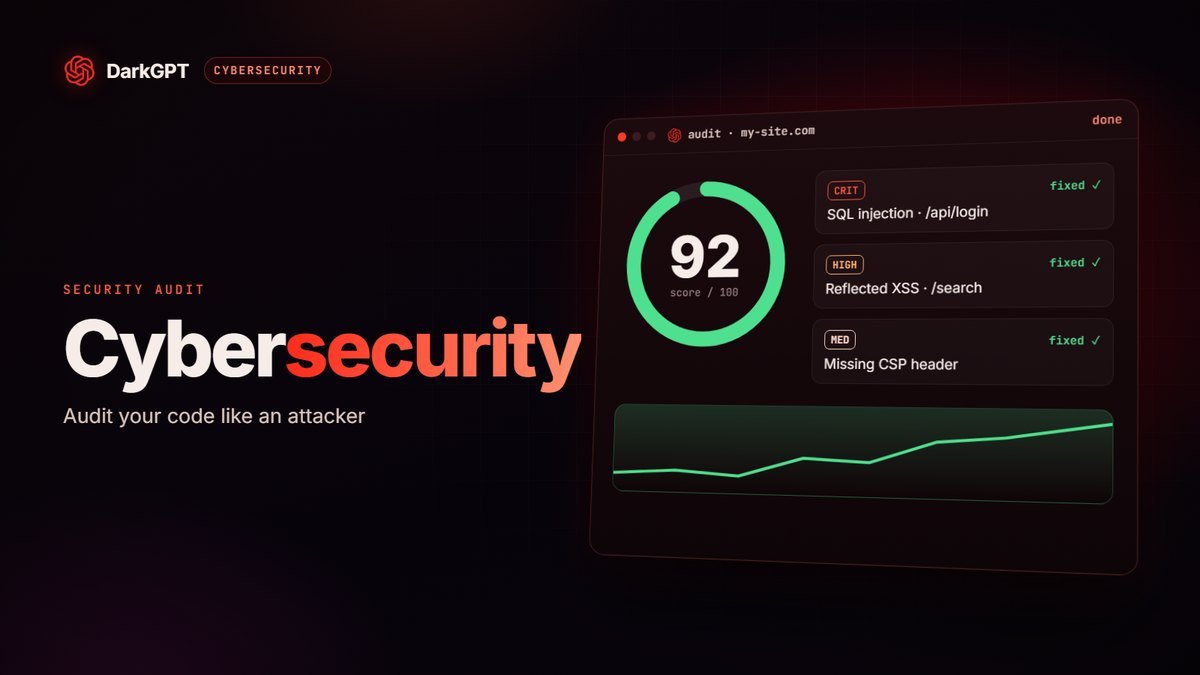
OSINT also lets you see your business the way a scammer would: which domain you use, which team addresses are visible, which old sites or subdomains are still lying around. The more an attacker knows about your organization, the more convincing their fake email will be. A search on your domain, followed by sorting out what should stay public, cuts that risk significantly. For the technical side, see our guide to AI for cybersecurity.
Vetting a seller or a website before you pay
Before dealing with a stranger, a search on their username or on the website’s domain helps you spot inconsistencies: a brand-new domain, an account created yesterday, a username tied to complaints. Combine it with the usual reflexes: protected payment, never a bank transfer to a stranger under pressure, and suspicion of any deal that looks too good. Our guide to AI for cybersecurity explains how to spot a scam.
See your exposure without anyone hiding it
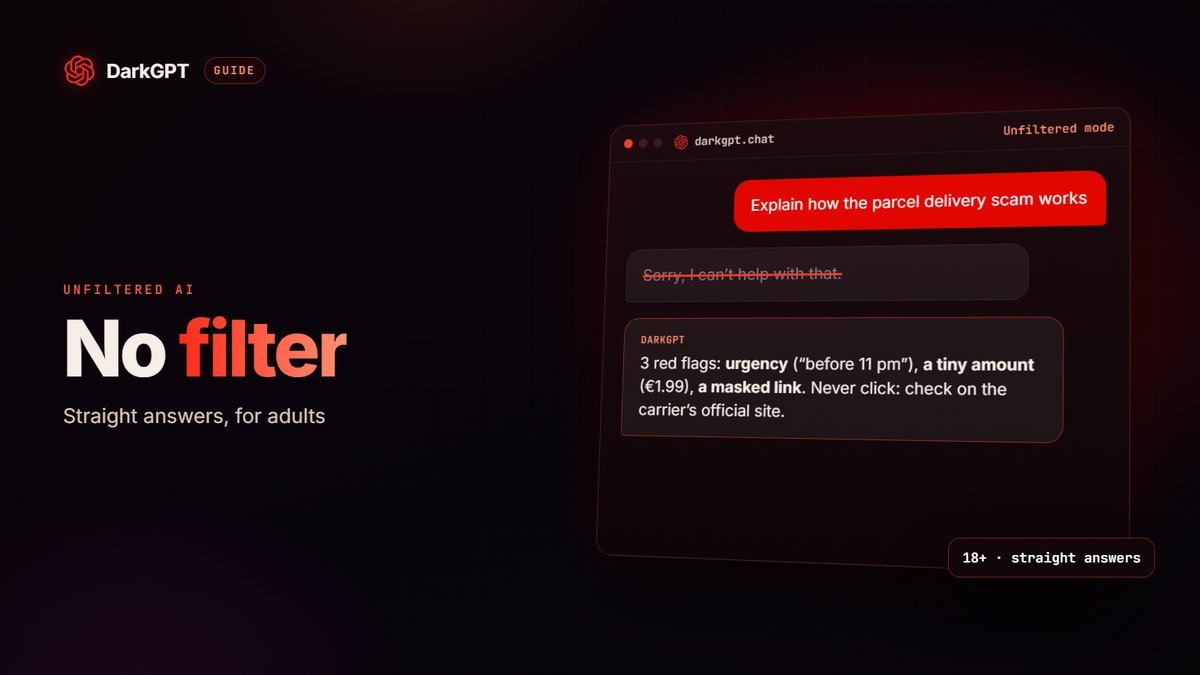
Many tools refuse to show you what’s out there about you, “as a precaution”. So you don’t know what a stranger can find with your username or your old email address.
DarkGPT OSINT does the opposite: it shows you what’s public about your own footprint, unfiltered, so you can act. Forgotten accounts, data leaks, cross-referenced info: you see what anyone sees.
The rule is simple: your own data, or an authorized engagement. Adults 18+ only; searching someone to harm them gets you banned.
Pitfalls to avoid
- Namesakes: the same username can belong to several people. Never draw conclusions from a single match.
- Outdated information: a public source can be several years old.
- Going it alone against a threat: in cases of harassment or fraud, gather evidence and go to the authorities rather than investigating yourself.
Which plan?
| Plan | OSINT |
|---|---|
| Free | Not included |
| Basic (€21.99/month) | Full OSINT access, 50 gems per search |
| Gold (€51.99/month) | Full OSINT access, 50 gems per search |
| Platinum (€89.99/month) | Unlimited OSINT |
| Diamond (€189.99/month) | Unlimited OSINT and Thinking |
Full plan details are on the pricing page.
The legal framework
OSINT is limited to public sources. Searching for information about yourself or to protect yourself is legitimate. Harassing, stalking or harming someone is illegal and prohibited by DarkGPT’s terms of use (ban).
Frequently asked questions
Is DarkGPT OSINT legal?
It only searches public sources. Using it to check your own exposure or to protect yourself is legitimate. Any use aimed at harming someone is prohibited.
Does DarkGPT OSINT really show everything?
It shows what’s public about your own footprint (usernames, domains, leaks) without hiding it as a precaution. Searching someone else to harm them is banned.
How much does an OSINT search cost?
50 gems per search, with a Basic plan or higher. Platinum and Diamond include unlimited OSINT.
What should I do if my credentials leaked?
Change that password immediately, and everywhere you reused it, then turn on two-factor authentication.
How do I know if my credentials have leaked?
Run a DarkGPT OSINT search (from Basic) on your username or domain: the tool covers data breaches that have been made public. If something turns up, change the associated passwords and turn on 2FA.
How do I erase my traces from the internet?
Delete unused accounts, set your profiles to private, strip metadata from your photos and ask websites to delete your data (right to erasure in Europe). Not everything disappears, but your exposure drops sharply.
Is OSINT available on the free plan?
No, DarkGPT OSINT requires a Basic plan or higher. The free plan gives you access to the 5 free models.